

Google Business Profile Management: Top 10 Pro Tips for 2024
Business profile management is a crucial aspect for small to medium-sized businesses looking to improve their online presence and attract more customers. Managing your Google Business Profile effectively can lead to increased visibility, more customer interactions, and ultimately, more revenue. Here’s a quick list to guide you:
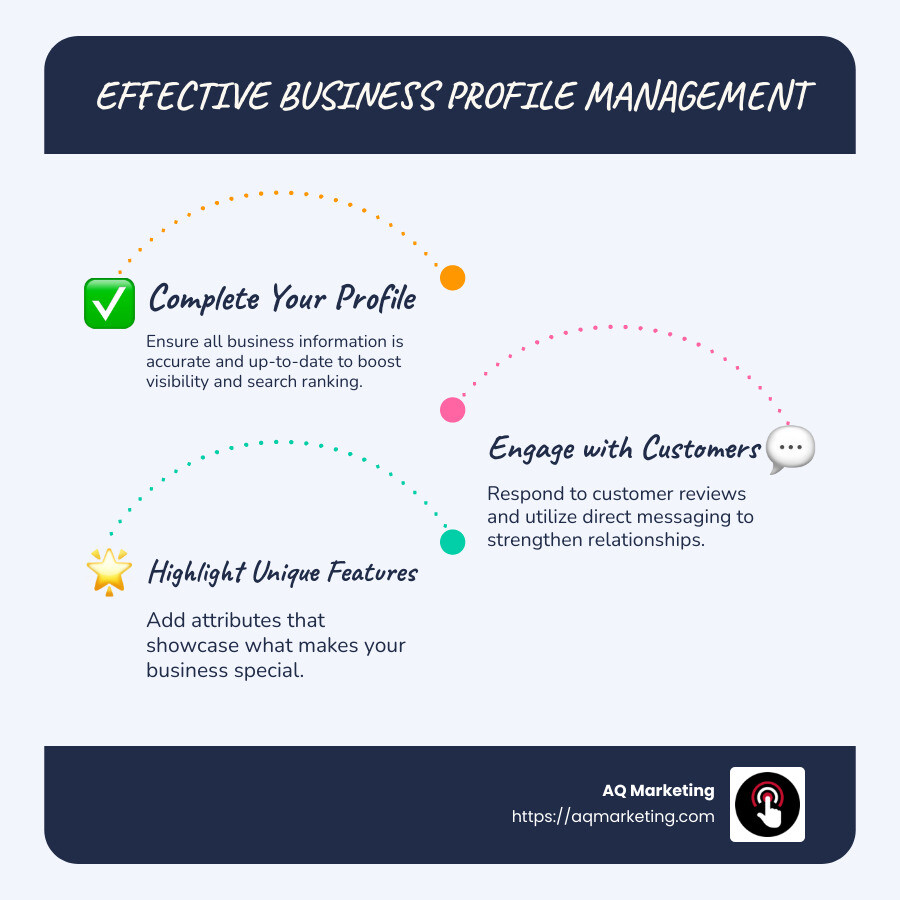
- Complete your profile to boost visibility and search ranking.
- Add attributes that highlight what makes your business special.
- Engage with customers through reviews and direct messaging.
- Keep your information updated to provide the best service.
In today’s digital landscape, standing out is more important than ever. A well-managed business profile can set you apart, especially in saturated markets like home services, insurance, and fitness. With millions of consumers turning to Google for local business information, your online profile is often the first impression potential customers have of your company. It’s vital to make it count.
My name is Robert P. Dickey, President and CEO of AQ Marketing. With over 20 years of experience, I’ve helped countless businesses succeed in the digital space through expert management of business profiles. AQ Marketing specializes in business profile management, ensuring your business is not just visible but remarkable online.
Important Business profile management terms:
– Digital marketing for contractors
– Digital marketing for home services
– Google My Business marketing
What is a Google Business Profile?
A Google Business Profile is a free tool that allows businesses to manage their online presence across Google, including Search and Maps. Think of it as your digital storefront. It’s where potential customers can learn about your business, see what you offer, and even interact with you directly.
Purpose and Benefits
The primary purpose of a Google Business Profile is to help businesses connect with local customers. It’s especially useful for businesses that operate in specific geographic areas or have physical locations. Here’s why it’s beneficial:
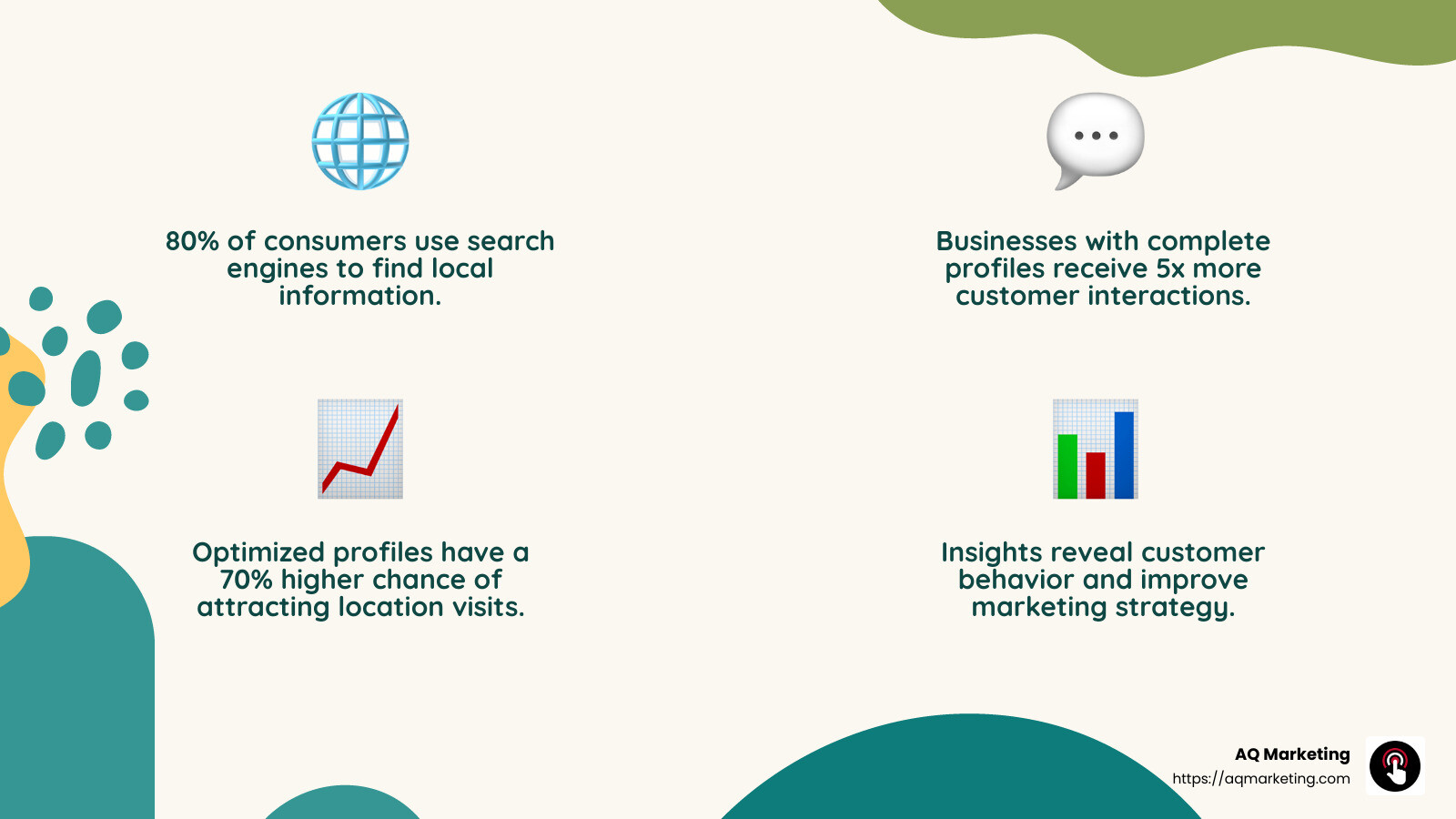
- Increased Visibility: When someone searches for a service you offer, your business can appear in local search results. This makes it easier for potential customers to find you.
- Engagement Opportunities: You can interact with customers through reviews and direct messaging. This helps build trust and loyalty.
- Showcase Your Business: Add photos, videos, and posts to highlight what makes your business unique. Whether it’s a new product, a special offer, or a behind-the-scenes look, your profile lets you share it all.
- Insights and Analytics: Find how customers find your business and what they are searching for. This data helps you understand customer behavior and improve your marketing strategies.
Key Features
- Profile Customization: You can add essential details like your business hours, contact information, and location. Plus, you can include attributes like “Wi-Fi available” or “outdoor seating” to give customers more reasons to choose you.
- Order and Booking Capabilities: For restaurants and service providers, you can accept orders and bookings directly through your profile. This convenience can boost customer satisfaction and sales.
- Local Inventory Display: Retail businesses can list in-store products, turning online searches into foot traffic. This feature is available in select regions, like the US and UK.
By effectively managing your Google Business Profile, you ensure that your business is not just found, but chosen. It’s a vital tool in your digital marketing toolkit, changing online searches into real-world customers.
Setting Up Your Google Business Profile
Setting up your Google Business Profile is like laying the foundation for your online presence. It’s a straightforward process, but each step is crucial to ensure your business is visible and accessible to potential customers.
Create Your Profile
To get started, you need to create your Google Business Profile. This involves entering basic information about your business, such as your name, address, and phone number. Be consistent with these details across all platforms to maintain credibility. Think of this as filling out your virtual business card.
Once you’ve entered your basic info, you can add more details like business hours, photos, and a brief description. This is your chance to make a great first impression, so be descriptive and engaging.
Claim Your Profile
If your business has been around for a while, it might already have an unclaimed profile on Google. Claiming your profile ensures you have control over the information displayed. This step is essential for making updates and engaging with customers.
To claim your profile, search for your business on Google and click on the option that says “Claim this business.” Follow the prompts to verify your ownership. This is an important step to prevent unauthorized changes to your business information.
Verify Your Business
Verification is a critical step in the process. Google needs to confirm that you are indeed the owner of the business. Verify your business by following the instructions provided by Google, which often involves receiving a postcard to your business address with a verification code.
Once verified, you’ll have full access to manage and update your profile. This means you can respond to reviews, post updates, and gain insights into how customers are interacting with your business.
These steps—creating, claiming, and verifying—are essential to establishing a strong presence on Google. With a complete and verified profile, your business is ready to attract and engage customers effectively.
Next, we’ll dive into how to optimize your Google Business Profile for better visibility and engagement.
Optimizing Your Business Profile for Better Visibility
Once you’ve set up your Google Business Profile, it’s time to optimize it for maximum visibility. A well-optimized profile not only attracts more customers but also strengthens your online presence.
Profile Strength Indicator
Google provides a handy tool called the Profile Strength Indicator. This tool acts like a checklist, showing you areas where your profile can be improved. It’s only available for verified listings, so make sure you’ve completed the verification process.
- Complete Your Info: Fill in all the details that potential customers might need. This includes your business description, contact info, and operating hours. The more complete your profile, the more trustworthy it appears.
Add Photos and Videos
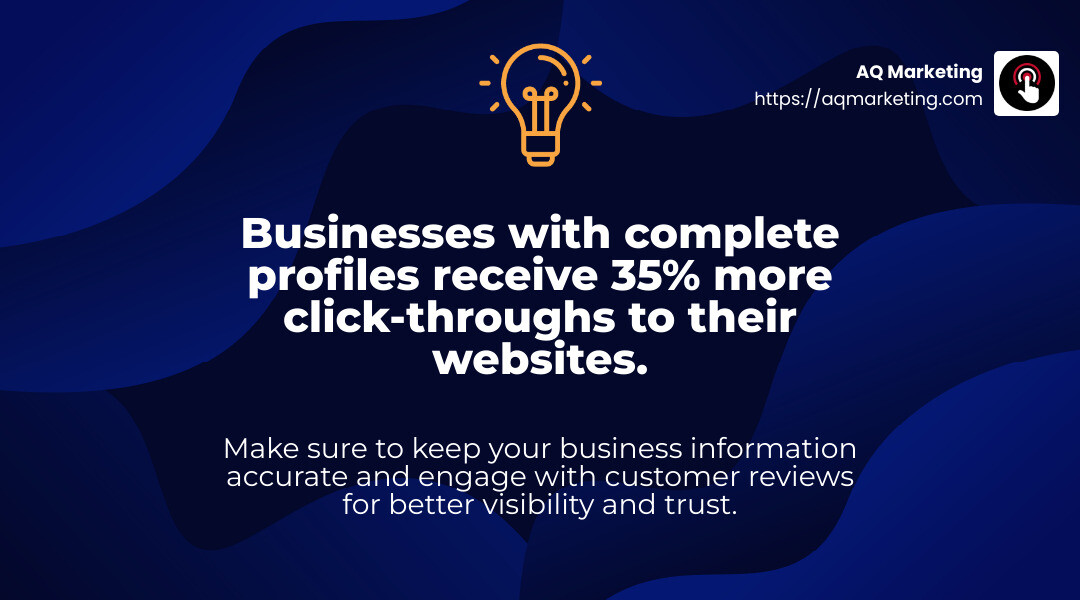
Visual content is key to making your profile stand out. According to research, businesses with photos receive 42% more requests for directions and 35% more click-throughs to their websites.
- Add Photos: Upload high-quality images that showcase your products, services, and premises. Regularly update these images to keep your profile fresh.
- Add Videos: Videos can engage customers even more. Consider adding short clips that highlight your offerings or share customer testimonials.
Create Engaging Posts
Posts on your Google Business Profile allow you to share updates, offers, and events directly with your audience. This feature is a great way to keep customers informed and engaged.
- Add Posts: Use this feature to announce promotions, share news, or highlight special events. Posts can include text, images, and even call-to-action buttons.
Consistency is Key
To maintain a strong business profile management, ensure that all the information is consistent across Google Search, Google Maps, and other platforms. This consistency helps improve your local ranking on Google, making it easier for customers to find you.
By focusing on these optimization strategies, your Google Business Profile will not only be more visible but also more appealing to potential customers. This sets the stage for stronger engagement and improved customer interactions.
Next, we’ll explore how to manage your Google Business Profile like a pro, ensuring it remains up-to-date and responsive to customer needs.
Managing Your Google Business Profile Like a Pro
Now that your Google Business Profile is optimized, the next step is managing it like a pro. This means keeping your information accurate and engaging with customers effectively.
Primary Keyword
Your primary keyword is crucial. It defines your business category and helps customers find you. Choose a keyword that best describes what you do. For example, if you run a bakery, “bakery” should be your primary keyword, not something vague like “store.”
Update Business Info
Keeping your business information current is vital. If your address or phone number changes, update it immediately. Customers rely on this information, and outdated details can lead to lost business.
- Adjust Hours: If your business hours change, update them on your profile. This prevents customers from showing up when you’re closed and ensures they know the best times to visit.
- Add Website: If you haven’t already, add your website to your profile. This gives customers a direct link to learn more about your services or products.
Respond to Reviews and Questions
Engaging with customers through reviews and questions is a fantastic way to build trust and show that you care.
- Respond to Reviews: Whether positive or negative, respond to all reviews. Thank customers for positive feedback and address any concerns in negative reviews professionally. This shows potential customers that you value feedback and are committed to excellent service.
- Respond to Questions: The Q&A section is where customers can ask questions directly on your profile. Respond promptly to these inquiries to provide helpful information and demonstrate your commitment to customer service.
By focusing on these management strategies, you ensure your Google Business Profile remains a valuable tool for attracting and engaging customers. Next, we’ll dive into leveraging Google Maps for effective business profile management.
Leveraging Google Maps for Business Profile Management
Google Maps isn’t just for finding directions—it’s a powerful tool for business profile management. Let’s explore how you can use it to keep your profile sharp and up-to-date.
Google Maps App
The Google Maps app is a one-stop-shop for managing your Business Profile. You don’t need to switch between different platforms. Just open the app, and you’re ready to make updates.
- Manage on Maps: Simply tap on your profile picture in the top right corner, select “Your Business Profile,” and you’ll find all the tools you need. You can edit business info, upload photos, and check reviews right from there.
Transition from Google My Business App
Google has retired the Google My Business app, but don’t worry! The transition to Google Maps is seamless.
- Easy Switch: If you were using the old app, just tap “Manage on Maps” to move over. All your data and settings are already there. No need to start from scratch.
- No Changes for Customers: Your customers won’t notice any difference. They can still find and interact with your profile just as before.
By using the Google Maps app, you can manage your business profile with ease and ensure it stays accurate and engaging. Next, we’ll explore how to improve customer engagement through your business profile.
Enhancing Customer Engagement through Your Business Profile
Engaging with customers through your Google Business Profile is not just a good idea—it’s essential. Here’s how to make the most out of it.
Connect with Customers
Your Google Business Profile isn’t just a listing; it’s a direct line to your customers. Staying connected helps build trust and loyalty.
- Direct Messaging: Use the messaging feature to chat directly with customers. It’s like texting, but for business. Quick responses can turn curious visitors into loyal customers.
- Customer Reviews: Reviews are gold. They show real experiences and help others decide if your business is worth their time. Responding to reviews, whether they’re glowing or not, shows you care. It also gives you a chance to address any issues and improve.
Q&A Section
The Q&A section is a handy tool for both you and your customers. Think of it as a mini FAQ.
- Answer Questions: Customers can ask questions directly on your profile. Make sure to answer them promptly. This not only helps the person asking but also future customers who might have the same questions.
- Add Your Own Questions: You can also add questions and answers yourself. This is a great way to provide information you think customers might need. It’s like having a conversation before they even step foot in your store or visit your website.
By actively managing these features, you can make your Google Business Profile a dynamic part of your customer engagement strategy. Next, we’ll look at analyzing performance and insights to see how well your profile is doing.
Analyzing Performance and Insights
Once you’ve set up and optimized your Google Business Profile, it’s time to dig into the data. Understanding how your profile is performing can help you make informed decisions and improve your business strategy.
Keywords
Keywords are the terms people use to find your business online. Knowing which keywords lead customers to you can reveal what they’re looking for. Google provides insights on the most common searches that bring up your profile. Use this data to refine your content and ensure you’re meeting customer needs.
Calls
Tracking the number of calls from your profile can give you an idea of how many potential customers are reaching out. If you notice a drop in calls, it might be time to update your profile or run promotions to boost visibility. Regularly checking this metric helps you understand your engagement level.
Reviews
Reviews are more than just feedback—they’re a window into customer satisfaction. Analyze the themes in your reviews to spot areas for improvement or highlight your strengths. Positive reviews can be a great marketing tool, while negative ones offer a chance to make things right.
Bookings
For businesses that offer reservations or appointments, tracking bookings through your profile is crucial. This insight helps you see which services are most popular and when you’re busiest. Adjust your offerings or hours based on this data to better serve your customers.
Profile Views
Profile views indicate how often your business is being noticed. A high number of views with low engagement might suggest you need to refine your profile details or offers. Conversely, if views are low, consider updating your profile with fresh photos or posts to attract more attention.
By continually analyzing these metrics, you can tailor your business strategy to better meet customer needs and grow your business. Next, we’ll explore how to leverage Google Maps for effective business profile management.
Frequently Asked Questions about Business Profile Management
What is Business Profile Manager?
The Business Profile Manager is a tool that helps you control and update your Google Business Profile. It’s especially useful for businesses with multiple locations. With this tool, you can manage your profiles in one place, ensuring that your business information is accurate and consistent across all platforms. You can also use it to upload and download data in bulk, which is handy for larger operations. Source
What should be included in a Business Profile?
A comprehensive Business Profile should include:
- Business Name, Address, and Phone Number (NAP): Make sure these details are always up-to-date and accurate.
- Hours of Operation: Keep your hours accurate, especially during holidays or special events.
- Website Link: Add your website to drive traffic and provide more information.
- Photos and Videos: Visual content can help your business stand out and attract more customers.
- Business Description: A clear and concise description helps potential customers understand what you offer.
- Categories: Select the most relevant categories to help customers find you easily.
- Reviews and Ratings: Encourage customers to leave reviews and respond to them to build trust and engagement.
By including these elements, your profile becomes a powerful tool for attracting and retaining customers. Source
How to improve local ranking on Google?
Improving your local ranking on Google involves several strategies:
- Complete Your Profile: Use the Profile Strength Indicator to identify and fill in any missing information.
- Optimize Keywords: Use relevant keywords in your business description and posts to increase visibility.
- Encourage Reviews: Positive reviews can boost your ranking and attract more customers. Responding to reviews shows that you value customer feedback.
- Add Regular Updates: Keep your profile fresh with new photos, updates, and posts to engage customers.
- Consistency Across Platforms: Ensure your business information is consistent across all online platforms, including your website and social media.
By focusing on these areas, you can improve your local ranking and make your business more visible to potential customers. Source
Next, we’ll dig into how to leverage Google Maps for effective business profile management.
Conclusion
Managing your Google Business Profile effectively can significantly boost your online presence and help you connect with more customers. From setting up your profile to optimizing it for better visibility and engagement, each step plays a crucial role in your digital marketing strategy.
At AQ Marketing, we specialize in helping small to medium-sized businesses like yours improve their online visibility. With our expertise in digital marketing services, including Business Profile Management, we can guide you through each step to ensure your profile stands out. Whether it’s updating business information, responding to reviews, or analyzing performance insights, we’re here to support your journey.
A well-managed Business Profile is more than just an online listing—it’s a powerful tool to attract, engage, and retain customers. By keeping your profile updated and engaging with your audience, you can create a strong online presence that drives growth and success.
To learn more about how we can help you manage your Google Business Profile like a pro, visit our Business Profile Management service page. Let’s work together to make your business shine online!
