

Website Design for Small Business: 5 Best Tips 2024
Website design for small business is vital for maintaining a strong online presence and drawing in potential customers. A well-designed website acts as the central hub for your marketing efforts, offering clear information about products or services, increasing brand awareness, and facilitating direct interaction with your audience.
To sum up the essentials for small business owners looking to improve their digital footprint:
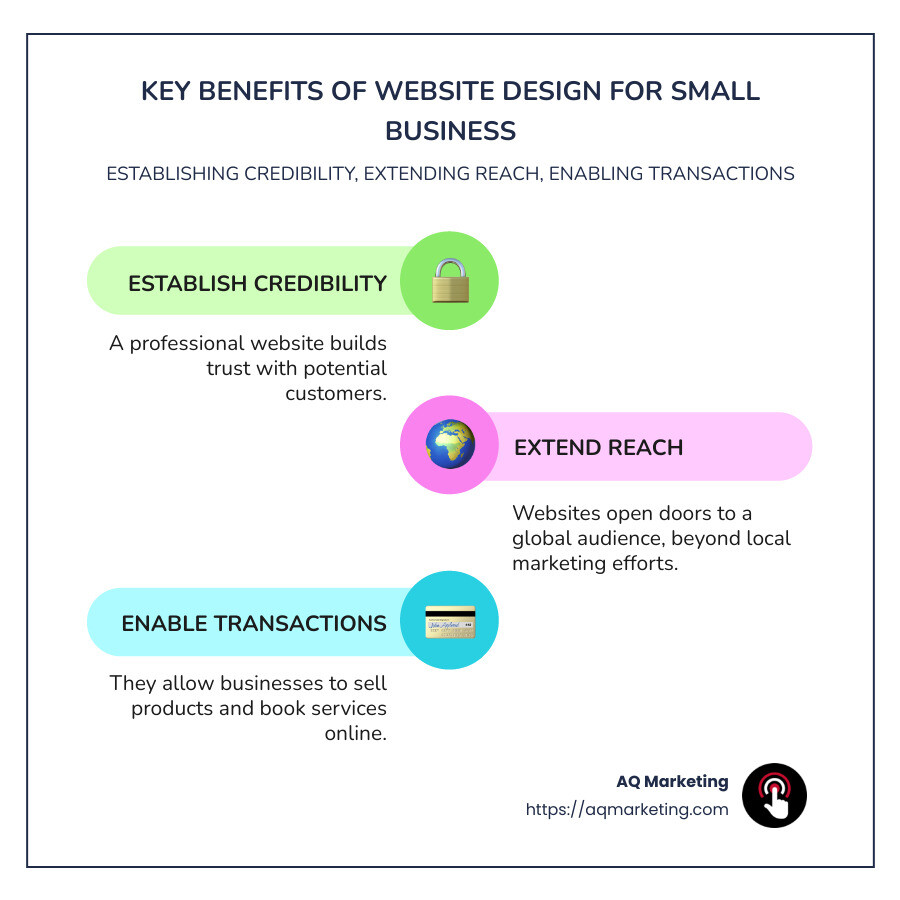
- Establish credibility: A professional website builds trust with potential customers.
- Extend reach: Websites open doors to a global audience, beyond local marketing efforts.
- Enable transactions: They allow businesses to sell products and book services online.
- Increase independence: Owning a website allows complete control over your brand’s presentation.
I’m Robert P. Dickey, President and CEO of AQ Marketing, Inc. With over 20 years in the digital marketing industry, my journey has provided insights into effective website design for small business. We’ve helped numerous businesses thrive in the digital age, ensuring their websites are not only visually appealing but also functional and customer-centric.
Glossary for website design for small business:
Understanding Website Design for Small Business
When diving into website design for small business, there are a few essentials to keep in mind. These elements ensure your site is not only attractive but also functional and user-friendly. Let’s break down the key components: design essentials, navigation, and user experience.
Design Essentials
A well-designed website is more than just pretty pictures and colors. It’s about creating a cohesive look that aligns with your brand. Here’s what you need to focus on:
- Consistency: Use the same fonts, colors, and styles throughout your site. This builds brand recognition and makes your site look professional.
- Simplicity: Keep it simple. Avoid cluttered layouts. Less is often more when it comes to design.
- Visuals: Use high-quality images and graphics. They should support your message, not distract from it.
Stunning visuals can greatly enhance a website by capturing the essence of a brand. High-quality images create an engaging experience for visitors, helping to keep them on the site longer. This approach not only grabs attention but also makes the site more memorable and inviting.
Navigation
Navigation is the backbone of your website. It guides users through your content, helping them find what they need quickly and easily.
- Clear Menu: Your menu should be straightforward, with clear labels. Avoid using jargon or overly creative names for sections.
- Logical Structure: Organize your pages in a way that makes sense. Group similar content together and prioritize important pages.
- Search Functionality: If your site has a lot of content, a search bar can be a lifesaver for users.
For example, Good Garms offers a user-friendly ecommerce experience with various browsing options, making it easy for customers to find what they’re looking for.
User Experience
User experience (UX) is all about how visitors interact with your site. A positive UX can keep users on your site longer and encourage them to return.
- Mobile-Friendliness: Ensure your site looks good on all devices. With more people browsing on phones and tablets, this is crucial.
- Fast Loading Times: A slow site can frustrate users. Optimize images and use efficient coding practices to speed things up.
- Engaging Content: Your content should be informative, engaging, and easy to read. Use headings, bullet points, and visuals to break up text.
Website design for small business is about creating a seamless experience for your users. By focusing on design essentials, navigation, and user experience, you can build a site that not only looks great but also functions effectively, helping your business grow.
Next, we’ll explore the steps to create your own small business website, from domain registration to promotion.
Steps to Create Your Own Small Business Website
Creating a website design for small business involves several key steps. Let’s walk through each one to ensure your site is both effective and engaging.
Domain Registration
Your domain name is your online address. It’s how customers find you, so make it memorable and relevant to your business.
- Keep it Simple: Choose a name that’s easy to spell and remember. Avoid complex words or unusual spellings.
- Reflect Your Brand: Your domain should align with your business name or the services you offer.
- Check Availability: Use tools like a domain name checker to ensure your desired name isn’t already taken.
A unique domain name can improve your business’s credibility and make it easier for customers to find you online.
Website Style
Your website’s style should reflect your brand’s personality and values. Here’s how to get it right:
- Choose a Template: Platforms like Wix offer over 800 customizable templates. Select one that suits your business needs.
- Consistent Branding: Use your brand colors, fonts, and logo across the site to create a cohesive look.
- Visual Appeal: Incorporate high-quality images and graphics. As seen in the Nomadic Road case study, stunning visuals can capture your brand’s essence.
SEO (Search Engine Optimization)
SEO helps your site appear in search engine results, driving more traffic to your business.
- Use Keywords: Identify and use keywords relevant to your business throughout your site content.
- Optimize Images: Use descriptive file names and alt tags for images to improve searchability.
- Create Quality Content: Regularly update your site with informative and engaging content to boost your search rankings.
Content Plan
Your content should inform, engage, and guide visitors toward taking action.
- Plan Your Pages: Decide on the essential pages you need, such as Home, About, Services, and Contact.
- Write Clear Copy: Use simple language and clear headings to make information easy to find.
- Include Calls to Action: Encourage visitors to take the next step, whether it’s contacting you, signing up for a newsletter, or making a purchase.
Promotion
Once your site is live, promote it to reach a wider audience.
- Social Media: Share your site on platforms like Facebook and Instagram to connect with potential customers.
- Email Marketing: Use newsletters to keep your audience informed and engaged with your business updates.
- Online Advertising: Consider pay-per-click (PPC) campaigns to reach targeted audiences.
By following these steps, you can create a small business website that not only looks great but also effectively attracts and retains customers. Next, we’ll dive into best practices for small business website design, ensuring you make the most of your online presence.
Best Practices for Small Business Website Design
Creating an effective website for your small business involves more than just putting up a few pages online. To ensure success, you need to focus on choosing the right platform, incorporating essential features, and finding cost-effective solutions.
Choosing the Right Platform
Selecting the right platform is crucial for building a user-friendly and efficient website. Here are some tips:
- Ease of Use: Look for platforms that offer intuitive design tools. Platforms like Wix or Webflow allow you to create beautiful sites without needing to code.
- Customization Options: Ensure the platform offers flexibility in design and functionality. This will help your website grow as your business expands.
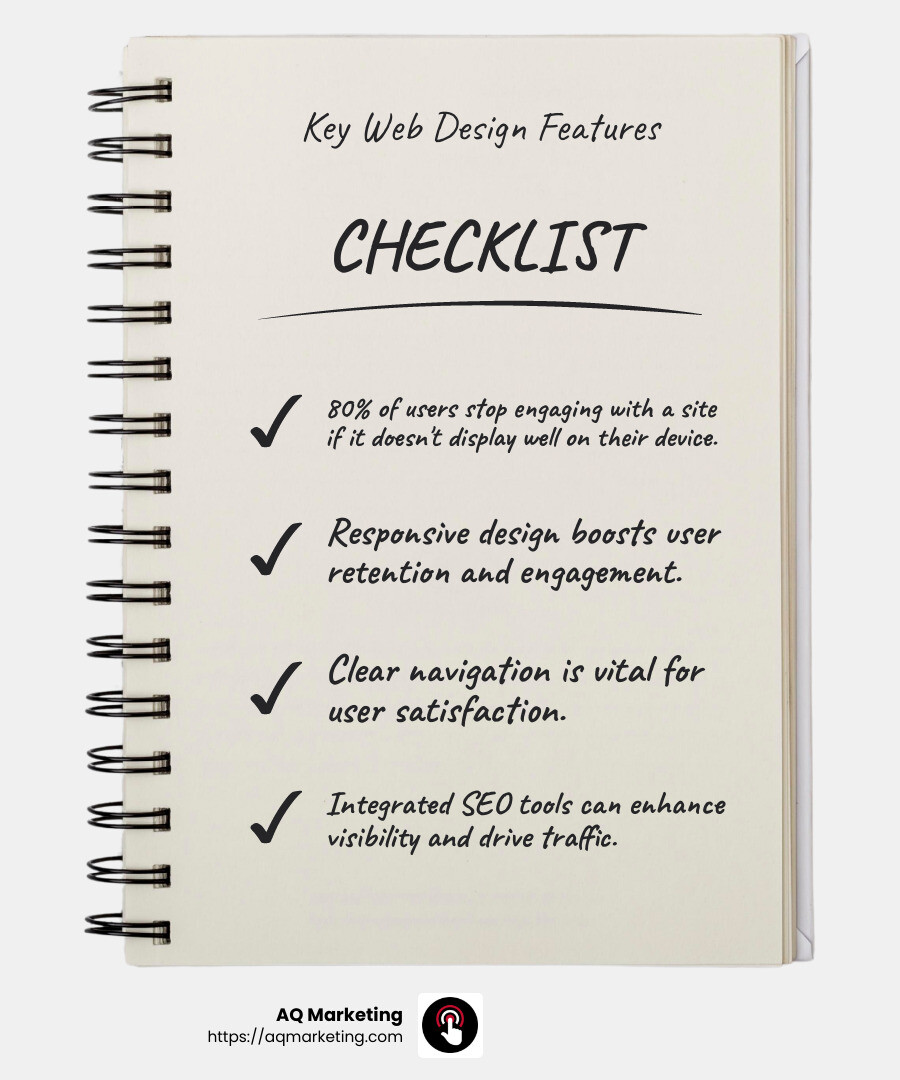
- Built-in Features: Some platforms offer integrated SEO tools, analytics, and ecommerce options, which can save you time and money.
Essential Features
To make your website effective, incorporate these key features:
- Responsive Design: Ensure your site looks great on all devices, from desktops to smartphones.

- Clear Navigation: Visitors should easily find what they’re looking for. Use logical, intuitive menus and a search bar.
- Contact Information: Make it easy for customers to reach you by including a contact page with your phone number, email, and address.
- Call to Action (CTA): Encourage visitors to take action with clear, compelling CTAs. Whether it’s “Buy Now” or “Contact Us,” make it stand out.
Cost-Effective Solutions
Building a website doesn’t have to break the bank. Here are some ways to keep costs down:
- DIY Platforms: Use platforms like WordPress or Wix that offer affordable plans and templates. They provide a good balance between cost and functionality.
- Free Resources: Use free stock images and graphics to improve your site without paying for expensive media. Consider taking your own photos to add a personal touch.
- Optimize for SEO: Focus on organic search traffic by optimizing your content with relevant keywords. This reduces the need for costly advertising.
By following these best practices, you can create a website design for small business that is both effective and budget-friendly. Your website will not only attract visitors but also convert them into loyal customers.
Next, we’ll explore common mistakes to avoid in small business website design to ensure your site remains effective and engaging.
Common Mistakes to Avoid in Small Business Website Design
Designing a website for your small business is an exciting venture, but it’s easy to slip up. Let’s look at some common mistakes that can hinder your website’s success.
Value Proposition
One of the biggest blunders is not clearly stating your value proposition. Your website should instantly communicate what makes your business unique. Visitors should know within seconds why they should choose you over competitors.
Tip: Use a concise headline on your homepage that highlights your main benefit. For example, if you’re a local bakery, you might say, “Fresh, Homemade Breads Delivered Daily.”
Social Proof
Social proof is another area where many small business websites fall short. Potential customers want to see evidence that others trust and love your products or services.
Tip: Include testimonials, reviews, or case studies prominently on your site. If you’ve been featured in any media, add those logos too. This builds credibility and encourages visitors to become customers.
Mobile-Friendliness
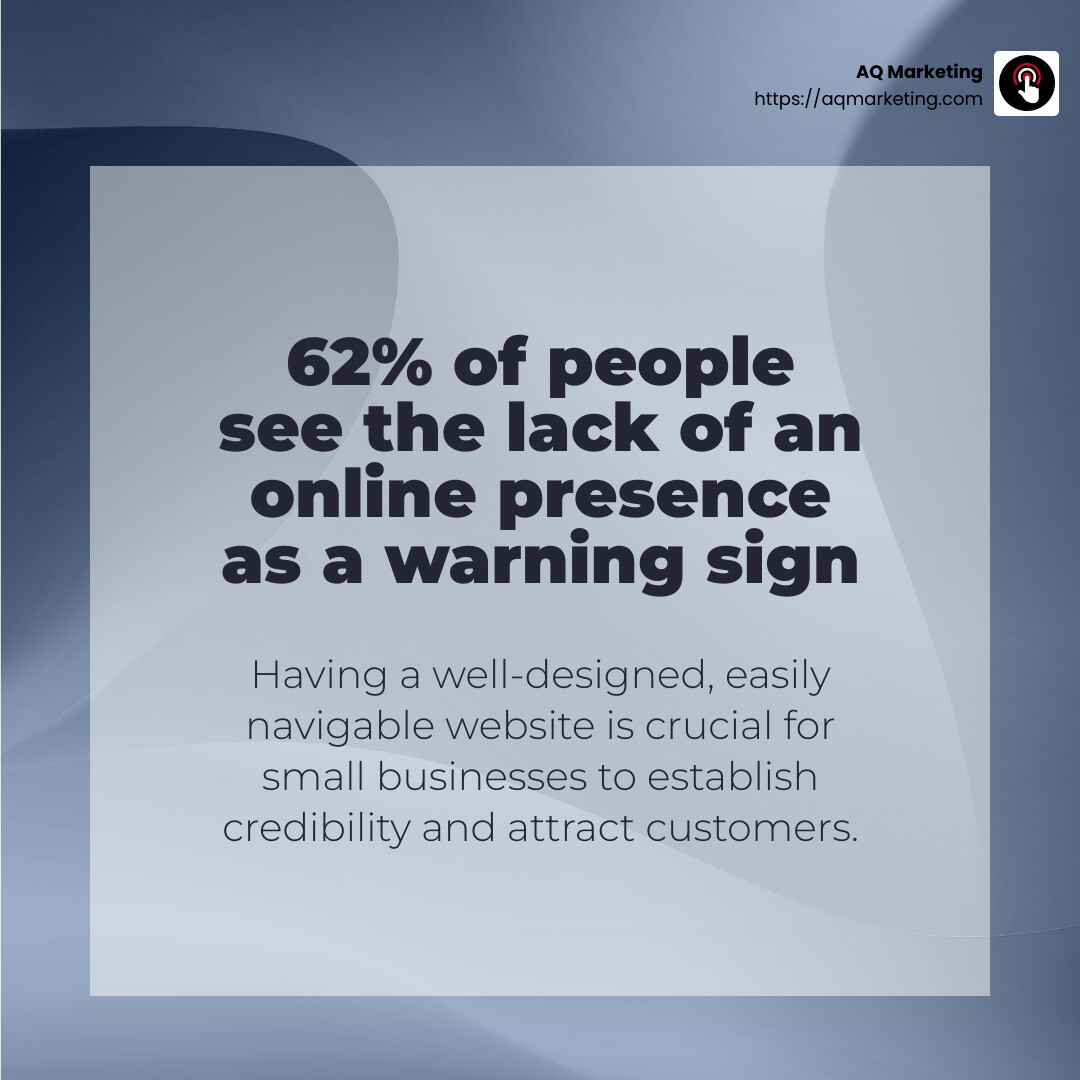
Mobile-friendliness is non-negotiable. Many small businesses overlook this, but remember: a significant portion of web traffic comes from mobile devices. If your site isn’t optimized for phones and tablets, you risk losing potential customers.
Tip: Ensure your website has a responsive design that adjusts seamlessly to different screen sizes. Test it on various devices to confirm everything looks and functions as it should.
Avoiding these common pitfalls can make a significant difference in your website’s performance. By clearly communicating your value, showcasing social proof, and ensuring mobile compatibility, you’ll create a compelling online presence that draws in and retains customers.
In the next section, we’ll answer some frequently asked questions about website design for small businesses, helping you make informed decisions as you build or update your site.
Frequently Asked Questions about Website Design for Small Business
When you’re diving into website design for small business, it’s normal to have questions. Let’s tackle some common ones to help you steer this process smoothly.
How much does it cost to design a website for a small business?
The cost of designing a website can vary widely. On average, you might spend anywhere from a few hundred to several thousand dollars.
Factors affecting cost include:
- Complexity: A basic site with a few pages will cost less than a complex e-commerce platform.
- Features: Advanced features like online booking or custom graphics can increase the price.
- Design: Custom designs are pricier than using a pre-made template.
Ongoing costs like hosting and maintenance should also be considered. Using a website builder can often be more budget-friendly, with plans starting around $10-$50 per month.
What is the best approach to creating a website for a small business?
Choosing the right approach depends on your specific needs and budget. Here’s a simple guide:
- Platform Selection: Popular platforms for small businesses include WordPress, Wix, and Squarespace. Each offers different features and ease of use. For instance, Wix is known for its drag-and-drop simplicity, while WordPress offers more flexibility.
- Features to Consider: Ensure your site includes essential features like a clear navigation menu, contact form, and mobile responsiveness. If you’re selling products, an e-commerce setup is crucial.
- DIY vs. Professional Help: If you’re tech-savvy, a DIY approach using a website builder can save money. Otherwise, hiring a professional can ensure a polished look.
How do I find an affordable web designer to design a website for me?
Finding a budget-friendly web designer can feel daunting, but there are several strategies to simplify the process:
- Hiring Sites: Platforms like Upwork and Fiverr connect you with freelance web designers. You can view portfolios and read reviews to find someone suitable.
- Review Sites: Websites such as Clutch or Trustpilot offer reviews of design agencies and freelancers, helping you gauge their reliability and quality.
- Local Networking: Sometimes local designers offer competitive rates. Check community boards or local business groups for recommendations.
By understanding your options and knowing where to look, you can find a designer that fits your budget and meets your needs.
These FAQs should help you feel more confident about starting on your website design journey. Next, we’ll wrap up with a look at how AQ Marketing can support your long-term success with impactful and affordable web design solutions.
Conclusion
Creating a website is a crucial step for any small business aiming for success in today’s digital world. With the right design, you can effectively showcase your brand, attract customers, and drive conversions. But achieving this isn’t just about aesthetics; it’s about long-term results and impactful design.
That’s where we at AQ Marketing come in.
Based in Woburn, MA, we’ve been helping small to medium-sized businesses improve their online presence since 2003. Our focus is on delivering long-term, impactful results through expert website design and digital marketing strategies.
Why Choose AQ Marketing?
- Custom Solutions: We understand that every business is unique. That’s why we create custom website designs that reflect your brand and meet your specific needs.
- Expertise in Your Industry: With a focus on industries like home services and insurance, we know what works and how to get results.
- Comprehensive Services: From SEO to social media management, we offer a suite of services designed to boost your online visibility and help you connect with your target audience.
- Proven Track Record: Our years of experience and successful client stories speak for themselves. We don’t just build websites; we build platforms for growth.
Ready to take your small business to the next level? Contact us today to learn more about how we can create an impactful, affordable website that drives long-term success for your business.
