

Google Business Profile: 5 Powerful Tips for Success
Google Business Profile is an essential tool for enhancing your online presence and visibility. This free resource allows businesses to showcase themselves effectively within Google’s ecosystem. Whether you’re a local bakery or a bustling gym, having a profile on Google ensures you are visible when potential customers search for the services you offer.
Here’s what you should know:
- Get Found: Your business appears in local Google searches and Maps.
- Instant Credibility: Verified profiles are twice as likely to be perceived as reputable.
- Customer Engagement: Easily gather reviews and share updates about your services.
The significance of a Google Business Profile is immense, particularly for small and medium-sized businesses. It acts as a digital introduction to potential customers and keeps your business information current across Google Maps and Search. From updating business hours to sharing new photos, this profile can significantly enhance your online reputation and attract new clients.
My name is Robert P. Dickey, and with over 20 years of experience as the President and CEO of AQ Marketing, Inc., I’ve witnessed how a well-optimized Google Business Profile can transform a company’s digital presence. I’m here to guide you through this essential tool so your business can shine online.
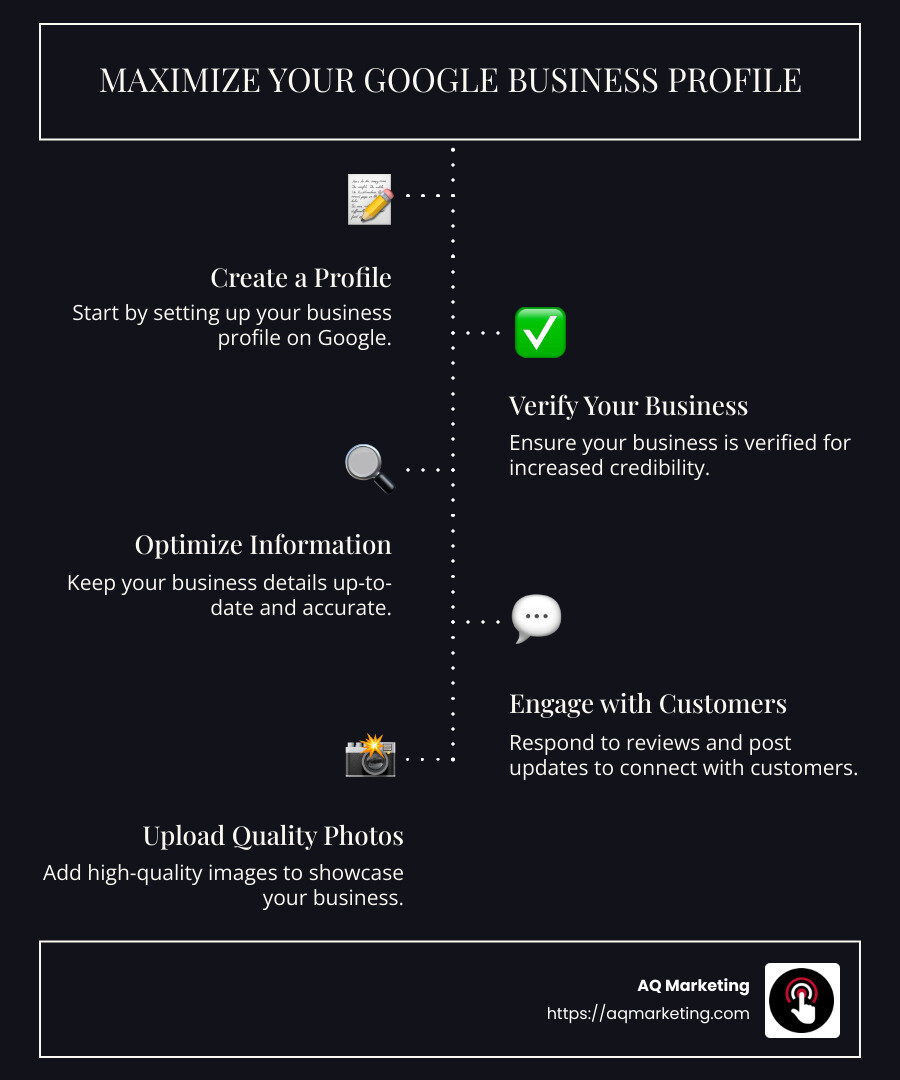
Quick look at google business profile:
- Importance of online reviews for businesses
- Reputation Management Services for Small Business
- benefits of online reputation management services
Setting Up Your Google Business Profile
Creating a Google Business Profile is a straightforward process that can significantly improve your online visibility. Let’s walk through the essential steps to get your profile up and running.
Create Your Profile
First, head over to Google Business Profile. Click on the “Manage Now” button to start creating your account. If you already have a Google account, you can use it to sign in. If not, you’ll need to create one.
Once logged in, you will be prompted to enter your business name. Be precise and ensure it matches your branding. Avoid adding extra keywords to your business name, as this could lead to suspension by Google.
Verify Your Business
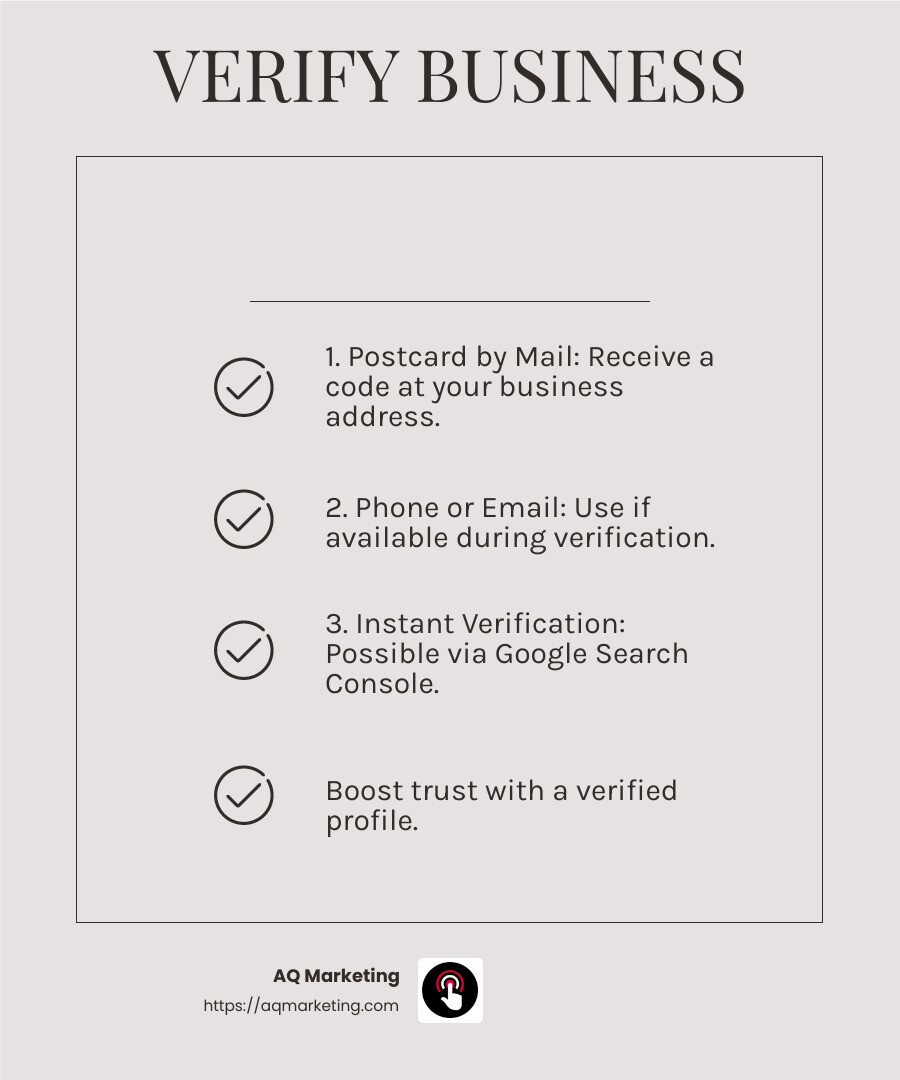
Verification is crucial. A verified profile is more likely to be trusted by users, and it ensures your business information is accurately displayed. You can verify your business in several ways:
- Postcard by Mail: This is the most common method. Google sends a postcard with a verification code to your business address. Enter this code on your Google Business Profile to verify.
- Phone or Email: Some businesses may have the option to verify via phone or email. If available, this option will be shown during the verification process.
- Instant Verification: If you’ve already verified your business with Google Search Console, you might qualify for instant verification.
Enter Business Information
After verification, it’s time to fill out your business information. This includes:
- Business Address: If you have a physical location, make sure the address is accurate. If you serve customers at their location, you can hide your address while specifying your service area.
- Contact Information: Add your phone number and website URL. Ensure these details are correct, as they are crucial for customer contact.
- Business Category: Choose a category that best describes your business. This helps Google understand what services you offer and makes it easier for customers to find you.
- Hours of Operation: Keep these updated, especially during holidays or special events.
With your profile set up and verified, you’re ready to appear in local search results and on Google Maps. This not only boosts your visibility but also adds a layer of credibility to your business.
Optimizing Your Google Business Profile
Once your Google Business Profile is set up, the next step is optimization. This process can transform your profile from a mere listing to a powerful tool for attracting new customers. Let’s explore the key strategies:
Add Pictures
High-quality images are crucial. They make your business stand out and give potential customers a glimpse into what you offer. Here’s how to make the most of your visuals:
- Profile and Cover Photos: Start with a profile photo, typically your logo, and a cover photo that best represents your business. This creates a strong first impression.
- Variety of Images: Include exterior and interior photos of your location, product shots, and pictures of your team in action. This variety helps customers understand your business better.
- Photo Quality: Ensure images are clear, well-lit, and free of blurriness. Avoid stock photos; instead, use original images to build trust and authenticity.
Interact with Customers
Engagement is key to building relationships with your audience. Here’s how to interact effectively:
- Respond to Reviews: Monitor and respond to customer reviews regularly. Acknowledge positive feedback and address negative comments professionally. This shows that you value customer opinions.
- Answer Questions: Use the Q&A feature to respond to customer inquiries. This not only provides valuable information but also demonstrates your responsiveness.
- Create Google Posts: Share updates, offers, and events through Google Posts. These appear in the “Updates” section of your profile and keep your audience informed and engaged.
Attract New Customers
Optimizing your Google Business Profile can significantly boost your reach. Here’s how to attract more customers:
- Use Keywords Wisely: Incorporate relevant keywords naturally into your business description and posts. This helps improve your local SEO, making it easier for potential customers to find you.
- Highlight Products and Services: Use the Product Editor to showcase your offerings. Create collections with detailed descriptions and images to capture interest.
- Select Attributes: Add attributes (like “LGBTQ friendly” or “Women-led”) that highlight unique aspects of your business. This can appeal to specific customer segments and improve your profile’s appeal.
By focusing on these optimization strategies, your Google Business Profile can become a powerful asset for your business.
New Features and Updates in Google Business Profile
The Google Business Profile continues to evolve, offering exciting new features to help businesses stay competitive and visible. Let’s explore some of the latest updates:
Social Media Posts Integration
Google has introduced a feature that allows businesses to display recent social media posts directly on their Google Business Profile. This means you can connect your Facebook, Instagram, YouTube, LinkedIn, Pinterest, TikTok, and X accounts to your profile.
This integration not only provides a dynamic way to engage with your audience but also offers a seamless view of your brand’s activity across platforms. The posts are automatically populated, ensuring your profile remains up-to-date with minimal effort.
New Listing Options
Google has expanded its listing options to include more detailed product and service information. You can now use the Product Editor to create collections of your products, complete with images, descriptions, and links to product pages.
This feature is particularly beneficial for small and medium-sized businesses, allowing them to showcase their offerings directly on their Google Business Profile. Restaurants, for instance, can use the “Popular Dishes” feature to highlight top menu items.
Improved Local Results
Local search results have received a boost with the latest updates. Google now prioritizes profiles with complete and accurate information, making it crucial for businesses to keep their profiles updated.
By ensuring NAP (Name, Address, Phone number) consistency across all platforms and utilizing Google’s tools like the Product Editor and Google Posts, businesses can improve their local search rankings. This means when potential customers perform a local search, your business is more likely to appear at the top of the results.
These new features and updates make the Google Business Profile an even more powerful tool for enhancing your online presence. By leveraging these updates, you can ensure your business stands out and attracts more customers. In the next section, we’ll address some frequently asked questions about the Google Business Profile to further clarify its benefits and usage.
Frequently Asked Questions about Google Business Profile
How do I access my Google Business Profile?
Accessing your Google Business Profile is easy and can be done through a few simple steps. First, ensure you have a Google account associated with your business. Once logged in, you can access your profile by typing your business name or “my business” into Google Search or Google Maps.
Alternatively, you can tap your profile picture in the Google Maps app and select “Your Business Profile” to manage your listings directly. This streamlined access allows you to update information, interact with customers, and monitor your online presence effortlessly.
Is Google Business Profile free?
Yes, the Google Business Profile is a completely free tool. It provides businesses with a platform to manage their online presence across Google Search and Maps without any cost.
This free tool allows you to improve your visibility, engage with customers, and showcase your products or services. By maintaining an accurate and updated profile, you can attract more customers and improve your search rankings—without spending a dime.
What is the difference between Google My Business and Google Business Profile?
In recent years, you might have noticed a name change from “Google My Business” to “Google Business Profile.” Despite the new name, it’s the same powerful tool designed to help businesses manage their online presence.
The name change reflects Google’s efforts to simplify and streamline its services. The functionality remains consistent, allowing you to control how your business appears on Google Search and Maps.
In summary, the Google Business Profile offers a user-friendly platform to improve your business’s online visibility and connect with potential customers. The next section will guide you on how to effectively set up your profile to maximize these benefits.
Conclusion
In today’s digital landscape, having a strong online presence is crucial for businesses of all sizes. At AQ Marketing, we understand the importance of leveraging tools like Google Business Profile to boost your visibility and connect with potential customers. This free tool is a game-changer, allowing businesses to manage their online presence effectively on Google Search and Maps.
By optimizing your Google Business Profile, you can showcase your products or services, engage with customers, and improve your search rankings. It’s not just about being found online; it’s about making a lasting impression. With features like customer reviews, business descriptions, and the ability to add images and updates, your profile becomes a dynamic representation of your brand.
We specialize in helping small to medium-sized businesses improve their online presence through a range of digital marketing services. Our expertise in SEO, website design, and social media management ensures that your business not only gets noticed but also stands out in a competitive marketplace.
If you’re ready to take your online presence to the next level, contact us today. Let us help you harness the power of digital marketing and transform the way your business is seen online. Together, we can achieve long-term, impactful results that drive growth and success.
