

Best SEO Tools for Small Businesses: 5 Powerful Must-Haves
Best SEO tools for small businesses are key to thriving in today’s digital landscape. Small business owners know that to grow, they need to be visible online. Using the right SEO tools can drastically improve your online presence, attracting more customers and generating leads.
Quick tips:
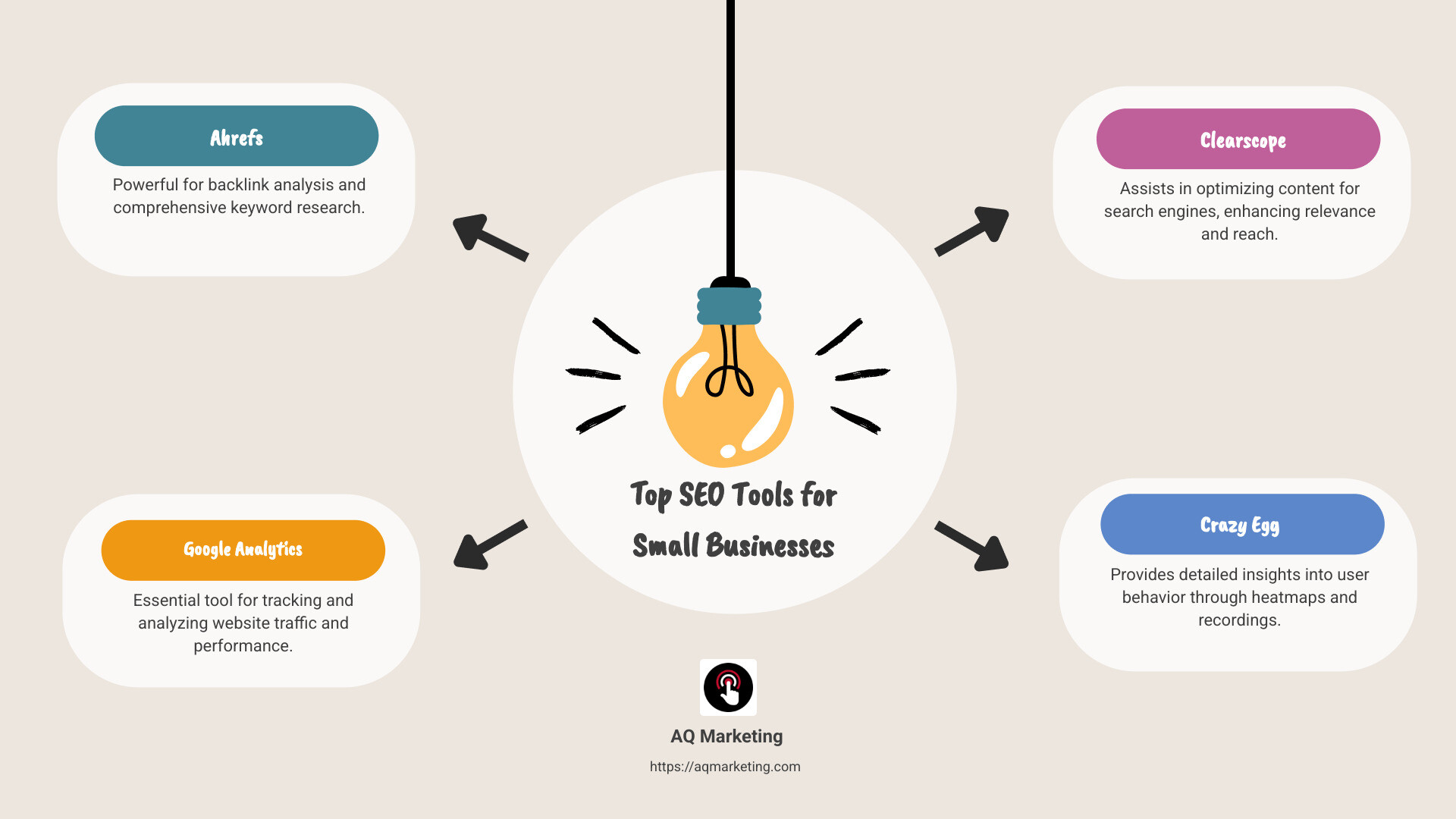
- Ahrefs: Great for backlink analysis and keyword research.
- Google Analytics: Essential for tracking website performance.
- Google Keyword Planner: Ideal for uncovering high-impact keywords.
- Clearscope: Helps with content optimization.
- Google Search Console: Monitors site health and performance.
- Crazy Egg: Provides insights into user behavior.
- Semrush: Offers a complete SEO toolkit.
In today’s competitive market, SEO isn’t just a technical endeavor, it’s a pivotal part of a small business’s digital marketing strategy. By optimizing their online content and monitoring their website’s performance, small businesses can rank higher in search results, making them more visible to potential customers. This ensures they’re not only attracting traffic but also delivering value and fostering trust with their audience.
I’m Robert P. Dickey, with over 20 years in the digital marketing space. I understand how crucial the best SEO tools for small businesses can be in elevating your brand’s online presence. Let’s explore how these tools can power your business’s growth.
Best seo tools for small businesses vocab to learn:
– best seo companies for small business
– local seo for small business
– seo agency for small businesses
Best SEO Tools for Small Businesses
Small businesses need to leverage the best SEO tools to stand out. Here’s a closer look at some essential tools that can propel your business forward:
Ahrefs
Ahrefs is a powerhouse for anyone serious about SEO. It offers detailed insights into backlinks and keyword rankings. For small businesses, understanding what competitors are doing and what keywords are driving traffic is crucial. Ahrefs gives you the ability to conduct keyword gap analysis and competitor backlink analysis, helping you identify opportunities to improve your site’s rankings.

Google Analytics
Google Analytics is a must-have for tracking website performance. It provides data on user behavior, traffic sources, and conversion rates. This tool helps small businesses understand their audience better, allowing them to tailor their marketing strategies. With Google Analytics, you can see which pages are performing well and which need improvement, guiding your SEO efforts effectively.
Clearscope
Optimizing your content is vital for SEO success, and Clearscope excels in this area. It analyzes top-performing content for any given keyword and suggests improvements to help your content rank higher. By using Clearscope, small businesses can ensure their articles are not just informative but also SEO-friendly, increasing the chances of appearing on the first page of search results.
Crazy Egg
While not a traditional SEO tool, Crazy Egg provides valuable insights into how users interact with your website. Its heatmaps and scroll maps show you where visitors click and how far they scroll. Understanding user behavior helps you optimize your site layout and content, reducing bounce rates and increasing engagement, which are important factors for SEO.
Google Search Console
Google Search Console is essential for monitoring your site’s health and performance in search results. It alerts you to issues like broken links or indexing problems that could affect your rankings. The Performance Report gives insights into search queries and click-through rates, helping you refine your SEO strategy.
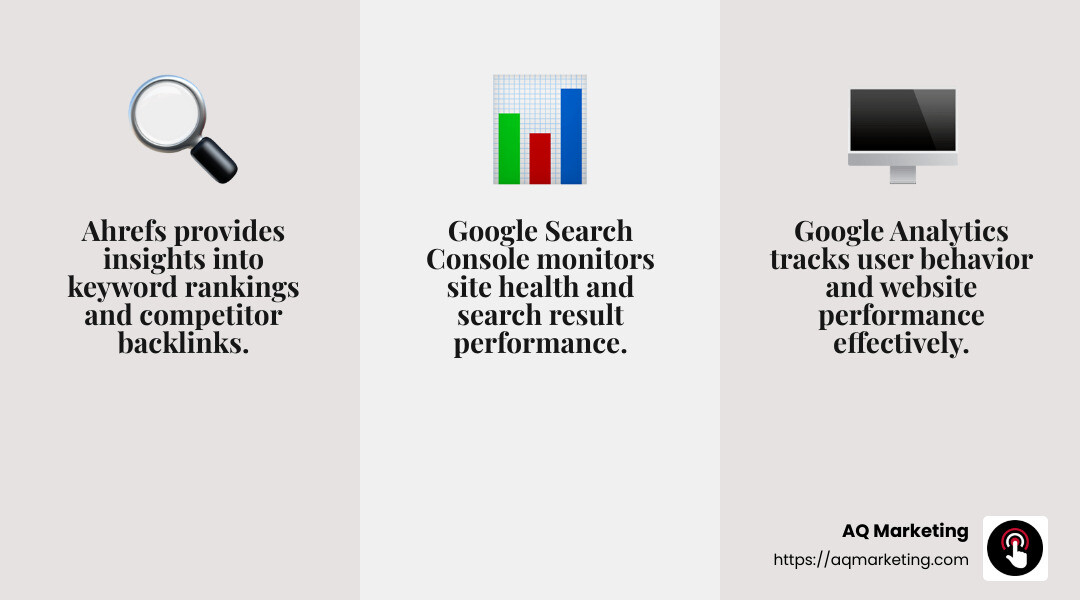
These tools, when used effectively, can significantly improve a small business’s online presence. They provide the insights needed to optimize content, track performance, and understand user behavior, leading to better search rankings and increased visibility.
Next, we’ll dive into Keyword Research Tools to find how to find the best keywords for your business.
Keyword Research Tools
Finding the right keywords is like finding the right audience. It’s the foundation of any successful SEO strategy. Here are some of the best SEO tools for small businesses to conduct effective keyword research:
Google Keyword Planner
Google Keyword Planner is a staple in the SEO toolkit. It’s a free tool that provides insights into keyword search volumes and competition levels. This is especially beneficial for small businesses trying to identify keywords that their potential customers are using.
- How to Use: Start by entering a broad topic related to your business. The tool will generate a list of related keywords along with their average monthly searches. This helps you identify which keywords are worth targeting.
- Pro Tip: Look for long-tail keywords. These are phrases that are more specific and often less competitive, making it easier for small businesses to rank higher in search results.
Ubersuggest
Ubersuggest, created by SEO expert Neil Patel, is another powerful tool for keyword research. It offers keyword suggestions, search volume, and competition data. Unlike some other tools, it provides a user-friendly interface, making it accessible for beginners.
- Features: Ubersuggest shows the top-ranking pages for any keyword, helping you understand what kind of content resonates with your audience. It also provides insights into seasonal trends, which is useful for businesses with seasonal products or services.
- Usage Tip: Use the “Content Ideas” feature to see what type of content is performing well for your chosen keywords. This can spark ideas for your own content creation.
Pinterest isn’t just a social media platform; it’s a visual search engine. Many users turn to Pinterest for inspiration, making it a great place to find trending topics and keywords.
- How It Works: Simply type a topic into the Pinterest search bar, and it will suggest related long-tail keywords. These suggestions are based on what people are actively searching for on Pinterest.
- Why It Matters: For small businesses, especially those in creative industries, Pinterest can be a goldmine for understanding what your target audience is interested in right now. It helps you tailor your content to meet their needs.
These tools are invaluable for small businesses looking to improve their SEO strategy. By understanding what your audience is searching for, you can create content that meets their needs and ranks well in search engines.
Next, we’ll explore On-Page SEO Optimization and how you can improve your website content to improve search engine rankings.
On-Page SEO Optimization
Optimizing your website’s content is crucial for improving search engine rankings. Here, we’ll discuss some of the best SEO tools for small businesses to improve on-page SEO.
Clearscope
Clearscope is a powerful tool for content optimization. It helps you create content that ranks well by providing a content grade from A++ to F. The better your score, the more likely your content will appear on the first page of search results.
- How It Works: Enter your target keyword, and Clearscope will scan the internet for related content. It suggests keywords to include and how often they should appear. This ensures your content is comprehensive and relevant.
- Pro Tip: Use Clearscope to find related keywords that competitors might overlook. This can give you an edge in ranking higher for niche topics.
Yoast WordPress Plugin
For those using WordPress, Yoast SEO is a must-have plugin. It’s designed to make on-page SEO simple and effective.
- Features: Yoast analyzes your content in real-time, offering suggestions for improving titles, meta descriptions, and keyword usage. It also checks for readability, ensuring your content is easy to understand.
- Usage Tip: Focus on the “Readability” section in Yoast. Clear, concise content not only benefits SEO but also improves user experience.
Content Optimization
Content optimization is about more than just keywords. It’s about making your content valuable and engaging for users.
- Key Elements: Ensure your page titles, headers, and meta descriptions include relevant keywords. Use alt text for images to help search engines understand your visuals.
- Strategy: Break up long sections with headers and bullet points. This makes content easier to read and scan, which is important for both users and search engines.
By using tools like Clearscope and Yoast, small businesses can effectively optimize their website content. This not only improves search engine rankings but also improves the overall user experience.
Next, we’ll dive into User Behavior and Analytics to understand how visitors interact with your site and how you can use this data to your advantage.
User Behavior and Analytics
Understanding how visitors interact with your website is key to optimizing it for better performance. Let’s explore how Google Analytics and Crazy Egg can provide valuable insights into user behavior.
Google Analytics
Google Analytics is a must-have tool for any small business. It offers a deep dive into how users engage with your site.
- Key Features: It tracks metrics like page views, bounce rates, and average time on site. This data helps you understand which pages are popular and which ones need improvement.
- Pro Tip: Set up conversion tracking to see how many visitors take desired actions, like signing up for a newsletter or making a purchase. This helps you measure the success of your marketing efforts.
- Real-Life Example: At SaaSpirin, conversion tracking in Google Analytics allowed us to focus on driving conversions rather than just traffic. This shift in focus helped us better understand our audience’s needs and tailor our content accordingly.
Crazy Egg
While not a traditional SEO tool, Crazy Egg provides visual insights into user interactions through heatmaps and scrollmaps.
- Heatmaps: These show where users click on your page. If you notice a lot of clicks on unlinked text, consider adding a link to guide users to related content.
- Scrollmaps: These indicate how far down a page visitors scroll. If important information is placed too low, users might miss it. Adjust your layout to keep critical content above the fold.
- Case Study: When SaaSpirin noticed that CTAs at the bottom of articles were being missed, we used scrollmaps to reposition them higher up. This small change significantly boosted conversions.
User Insights
Both tools offer valuable data, but the real power lies in how you use it. By analyzing user behavior, you can make informed decisions to improve your website and increase conversions.
- Actionable Steps: Regularly review your Google Analytics and Crazy Egg reports. Look for patterns in user behavior and test changes to see what works best.
- Strategy: Use these insights to improve user experience. For example, if users spend little time on a page, consider improving its content or layout to make it more engaging.
By leveraging the insights from Google Analytics and Crazy Egg, you can optimize your website for better user engagement and higher conversions. Next, we’ll explore Technical SEO Tools that help ensure your site runs smoothly and efficiently.
Technical SEO Tools
Technical SEO is about making sure your website works well and is easy for search engines to understand. Let’s look at some of the best tools for small businesses to tackle technical SEO challenges: Screaming Frog, Google PageSpeed Insights, and Bing Webmaster Tools.
Screaming Frog
Screaming Frog is like having a personal website detective. This desktop tool crawls your site to find issues like broken links, duplicate content, and missing metadata.
- Key Features: It provides a detailed report on each issue, helping you fix them quickly. It also integrates with Google Analytics to give you a fuller picture of your site’s health.
- Real-Life Example: A local bakery in Boston used Screaming Frog to find and fix broken links on their website. This small change helped improve their search rankings and brought in more local customers.
- Pro Tip: Use Screaming Frog to generate an XML sitemap. This makes it easier for search engines to index your site, improving visibility.
Google PageSpeed Insights
Google PageSpeed Insights is essential for checking how fast your website loads. Page speed is crucial because slow sites lose visitors fast.
- Key Features: This tool analyzes your site’s speed on both desktop and mobile devices. It provides a score and offers specific suggestions to improve loading times.
- Case Study: A small business in Woburn noticed a high bounce rate on their mobile site. By following PageSpeed Insights’ recommendations, they improved load times and saw a 30% increase in mobile engagement.
- Actionable Steps: Regularly check your site’s speed and implement the suggested improvements. This can include optimizing images, leveraging browser caching, or reducing server response times.
Bing Webmaster Tools
While Google often takes the spotlight, Bing Webmaster Tools shouldn’t be overlooked. It offers valuable insights into how your site performs on Bing, which still accounts for a chunk of search traffic.
- Key Features: It provides tools for keyword research, site audits, and backlink analysis. It also alerts you to any crawl errors that might affect your site’s performance.
- Example: A Merrimack Valley business used Bing Webmaster Tools to identify and correct crawl errors. This not only improved their Bing search rankings but also improved their overall site health.
- Pro Tip: Use the keyword research feature to find new opportunities for targeting Bing users, who might have different preferences than Google users.
By using Screaming Frog, Google PageSpeed Insights, and Bing Webmaster Tools, you can ensure that your website is technically sound and ready to compete for higher search rankings. These tools help you fix technical issues, improve site speed, and gain insights into search performance, setting the stage for success in the digital marketplace.
Next, we’ll answer some Frequently Asked Questions about SEO Tools to further assist you in optimizing your small business’s online presence.
Frequently Asked Questions about SEO Tools
What is the most effective tool for SEO?
When it comes to best SEO tools for small businesses, there are a few standouts. Google Analytics and Ahrefs are often at the top of the list.
- Google Analytics: This free tool is like a window into your website’s soul. It tells you who visits, what they do, and how long they stay. Imagine a small café in Essex County using Google Analytics to see that most of their visitors come from social media. They could then focus their marketing efforts there to draw even more customers.
- Ahrefs: Known for its powerful backlink analysis, Ahrefs is a paid tool but offers a wealth of information. It helps you understand your competitors, find keyword opportunities, and see how your site ranks over time. A local shop in Merrimack Valley might use Ahrefs to find which keywords their competitors rank for, then optimize their own content to compete.
Does SEO really work for small businesses?
Absolutely! SEO is a vital part of any small business’s digital marketing toolkit.
- SEO Value: It helps you reach the right audience without spending big bucks on ads. For example, a Southern New Hampshire florist can use local SEO strategies to appear in searches for “flower delivery near me,” increasing their visibility and sales.
- Impact: According to Investopedia, 28% of local searches lead to a purchase. This shows the direct impact SEO can have on small business growth.
Are SEO tools worth it?
Investing in SEO tools is like buying a ticket to a better online presence.
- Paid Tools: Tools like Ahrefs and Semrush may require a financial investment, but they offer deep insights that free tools can’t match. They help you optimize your site, track performance, and even spy on competitors’ strategies.
- Optimization: Using these tools, a business can continuously improve its website. For instance, a Woburn restaurant might use Semrush to optimize its menu pages, ensuring they rank well when people search for local dining options.
In conclusion, while there are costs associated with some SEO tools, the benefits of increased visibility, better user experience, and higher conversion rates often outweigh the initial investment. Next, we’ll dive into Conclusion and explore how AQ Marketing can help you achieve long-term success.
Conclusion
Having a solid SEO strategy is no longer optional—it’s essential for small business success. At AQ Marketing, we understand the unique challenges that small businesses face. Since 2003, we’ve been helping businesses in Boston, Woburn, and beyond to improve their online presence with effective SEO strategies.
Long-Term Results
SEO is a long-term game, and patience is key. While it might take a few months to see significant changes, the results are worth the wait. Our approach focuses on sustainable growth, ensuring that your business not only reaches the first page of search results but stays there. By leveraging tools like Google Analytics and Ahrefs, we can track progress and make data-driven decisions to keep your strategy on track.
Small Business Success
Success in SEO translates to real-world benefits. Imagine a local contractor in Middlesex County appearing at the top of search results for “roof repair near me.” This visibility can lead to more inquiries, more jobs, and ultimately, more revenue. SEO helps level the playing field, allowing small businesses to compete with larger companies without breaking the bank on advertising.
At AQ Marketing, we’re committed to delivering long-term, impactful results for small businesses. Whether you’re in Essex County or Southern New Hampshire, our team is here to help you thrive in the digital marketplace. Ready to take your business to the next level? Contact us today to learn more about our digital marketing services.
