

Website Designer: Top Guide to Hiring in 2025
Website Designer is a term often associated with crafting the digital storefronts countless businesses rely on today. But what exactly does a Website Designer do, and why might hiring one be crucial for your success? Whether you’re a small business owner looking to establish your brand online or a growing enterprise aiming to improve user engagement, understanding the role of a Website Designer can be pivotal. Here’s a quick breakdown:
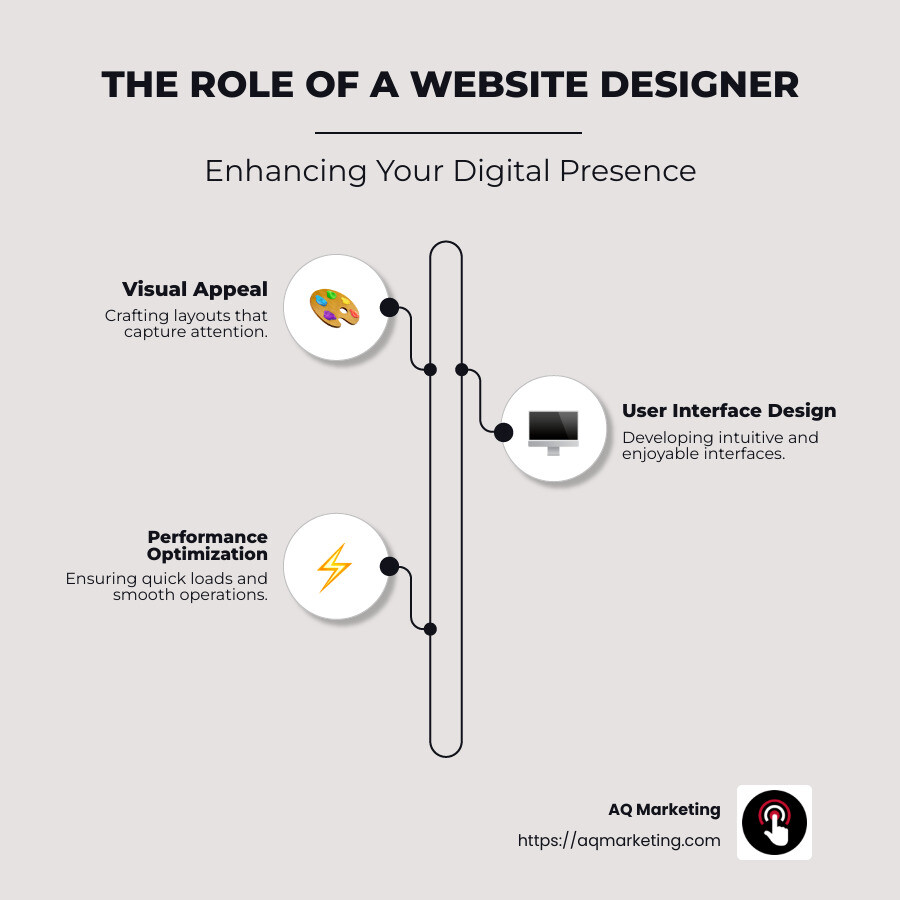
- Craft visually appealing layouts that capture attention.
- Develop intuitive user interfaces that make browsing easy and enjoyable.
- Ensure accessibility for users with different abilities, making sites inclusive for everyone.
- Optimize performance and functionality, ensuring your website loads quickly and runs smoothly on all devices.
A well-designed website is indispensable. It’s not just about aesthetics; it’s about functionality and user experience, which can directly influence your business’s online reputation and lead conversion rates.
I’m Robert P. Dickey, President and CEO of AQ Marketing, Inc., based in Woburn, MA, with over 20 years of experience in digital marketing. My expertise lies in helping businesses effectively use Website Designer services to improve their digital presence. Let’s dig deeper into the vital aspects of website design and the difference a professional can make.
Website Designer terms to remember:
– Boston Web Design Company
– Website Design Agency
– boston web development
Understanding the Role of a Website Designer
A Website Designer plays a crucial role in shaping the digital experience for users. Their work is not just about making a website look good; it’s about ensuring that the site is functional, user-friendly, and accessible to everyone.
Designing a User-Friendly Website
A Website Designer focuses on creating layouts that are visually appealing and easy to steer. This involves establishing a clear visual hierarchy, which helps users find information quickly and efficiently. Prioritizing content “Above the Fold” ensures that visitors see the most important information without having to scroll.
Crafting an Intuitive User Interface
The user interface (UI) is a critical component of website design. A well-designed UI can make the difference between a visitor who stays and explores your site and one who leaves immediately. Designers use visual cues and design elements to guide users through the site, ensuring a seamless and enjoyable browsing experience.
Ensuring Functionality Across Devices
With the increasing use of mobile devices, a Website Designer must ensure that the site is responsive and functions well on all screen sizes. This involves using responsive design techniques, such as flexible grids and media queries, to adapt the layout for different devices. By testing on various devices, designers can ensure that the website looks and works as intended everywhere.
Enhancing Performance and Accessibility
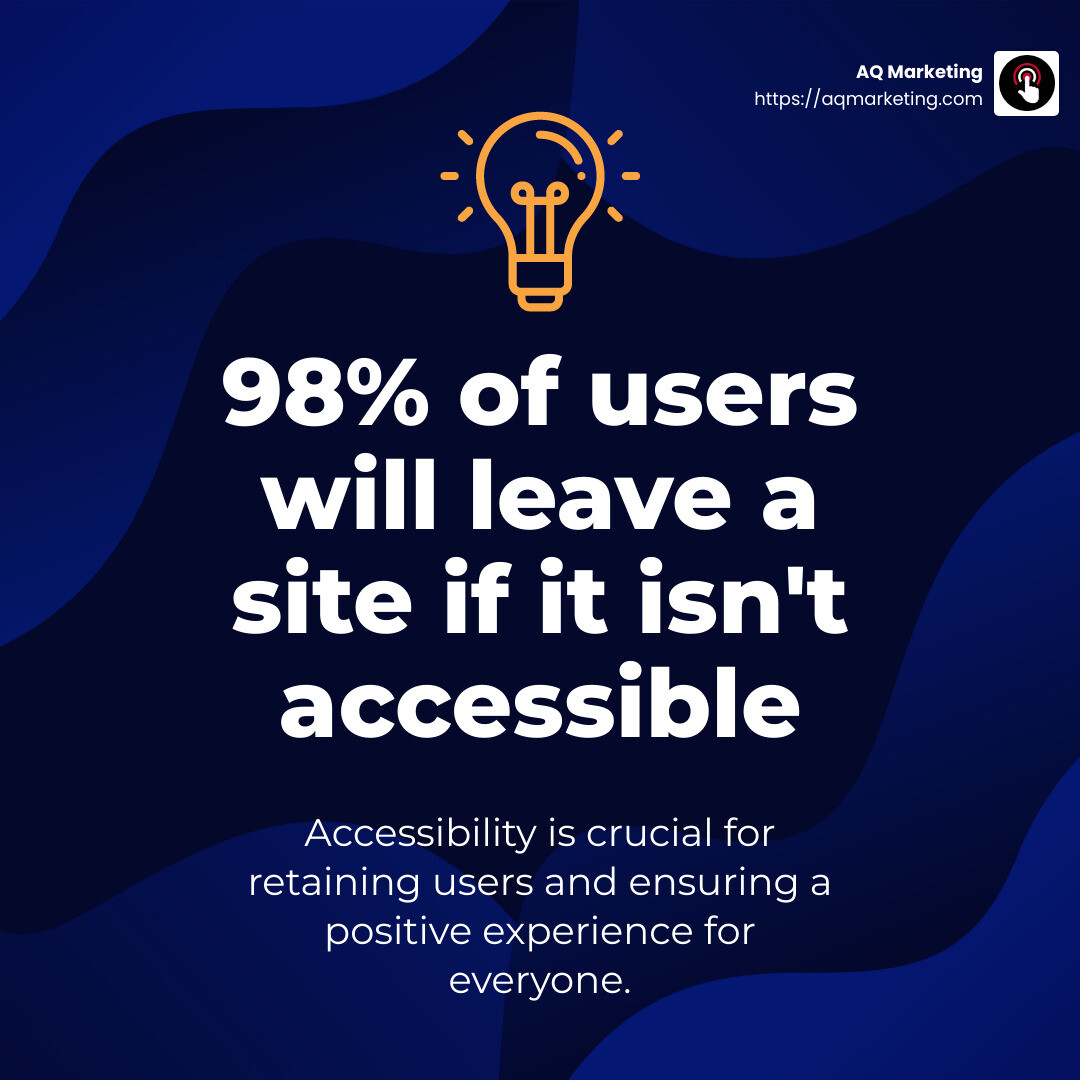
Performance optimization is another key aspect of a Website Designer’s role. This includes optimizing images to reduce load times and balancing features with performance to ensure fast loading speeds. Additionally, designers focus on accessibility, making websites usable for people with disabilities by incorporating features like alt text for images and keyboard navigation.
The Impact of Professional Website Design
A professionally designed website can significantly improve your business’s online presence. It not only attracts and retains visitors but also improves conversion rates by providing a positive user experience. By working with a skilled Website Designer, businesses can ensure their digital storefront is both attractive and functional, meeting the needs of all users.
In the next section, we’ll explore the key considerations when hiring a Website Designer, including cost, ownership rights, and development agreements.
Key Considerations When Hiring a Website Designer
When you’re ready to hire a Website Designer, it’s important to consider a few key factors to ensure a smooth and successful partnership. Let’s explore the essentials: cost, ownership rights, and development agreements.
Cost
The cost of hiring a Website Designer can vary widely based on the complexity of your project and the designer’s experience level. For example, a simple landing page design will generally cost less than a fully developed e-commerce website. Factors like the number of revisions, custom features, and the designer’s location can also influence pricing. On average, you might find prices starting around $70 for basic designs, but more complex projects can go much higher. It’s important to have a clear budget in mind and discuss pricing upfront to avoid surprises later on.
Ownership Rights
Understanding ownership rights is crucial when hiring a Website Designer. You need to ensure that you own the final design and any associated files once the project is completed. This includes graphics, source code, and any content created for your site. Make sure your agreement clearly states that you will have full ownership of all design elements and can modify them as needed. This protects your investment and ensures you have the freedom to make changes in the future.
Development Agreement
A well-drafted development agreement is essential to outline the expectations and responsibilities of both parties. This contract should cover important details such as project timelines, payment terms, deliverables, and any post-launch support. It’s also wise to include clauses for confidentiality and dispute resolution. Having a solid agreement in place helps prevent misunderstandings and provides a reference point if any issues arise during the project.
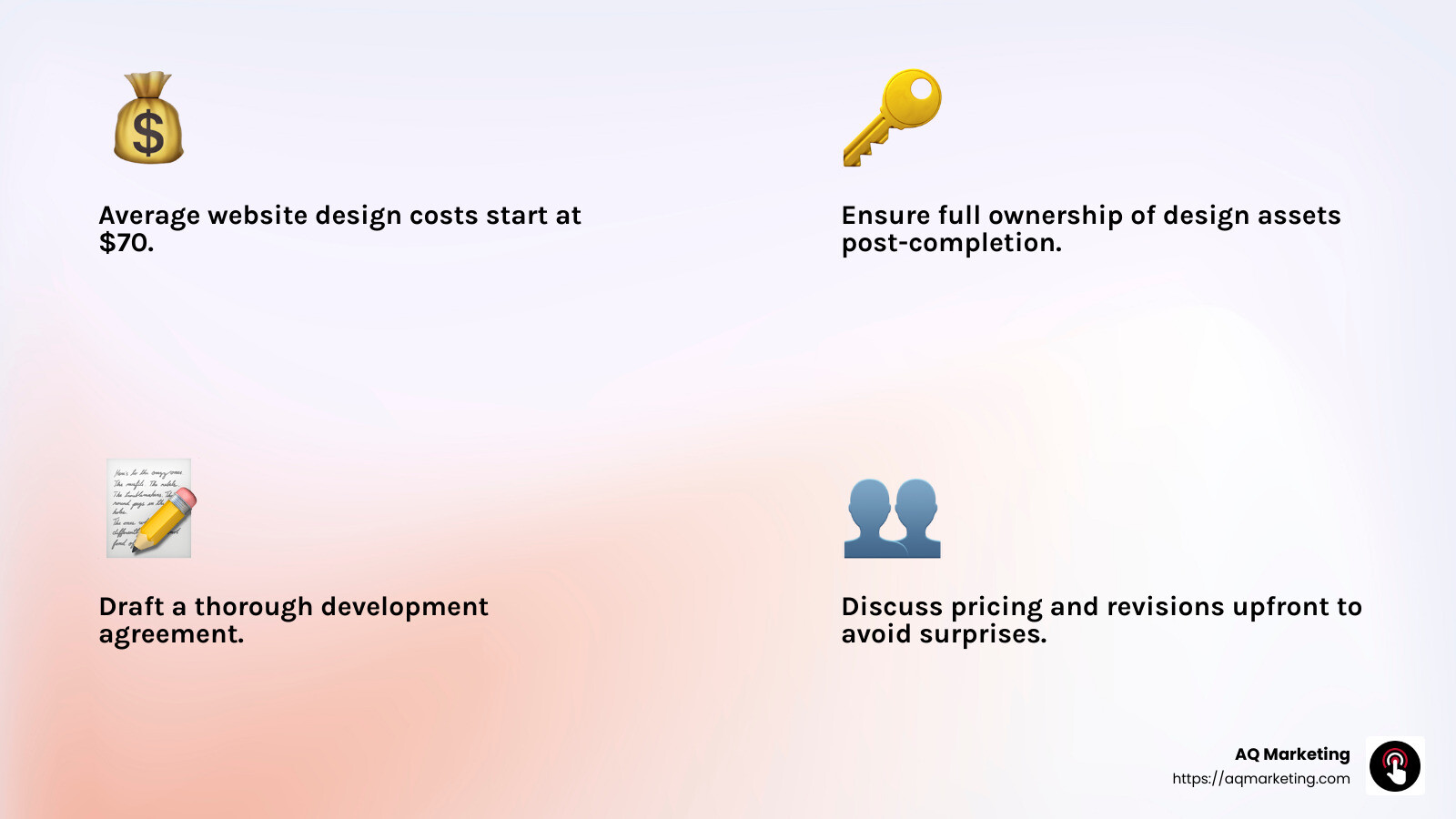
By considering these key factors—cost, ownership rights, and a thorough development agreement—you’ll be better equipped to hire a Website Designer who can deliver a site that meets your needs and improves your online presence.
In the next section, we’ll explore the top tools and software that Website Designers use to create stunning websites.
Top Tools and Software for Website Designers
Creating a stunning website requires the right tools. Let’s explore some of the top software options that professional Website Designers use to bring ideas to life.
Wix
Wix is a popular choice among both beginners and seasoned designers. It’s known for its user-friendly drag-and-drop editor and a vast library of over 500 templates. With features like video backgrounds, animations, and social media buttons, it allows designers to create visually appealing sites quickly. Wix Turbo, a recent addition, improves website speed and performance, making it a solid option for those looking for quick results without compromising on quality.
Adobe Dreamweaver
Adobe Dreamweaver is a powerful tool for those who prefer hands-on coding. It supports HTML, CSS, JavaScript, and Bootstrap, giving designers the freedom to customize every aspect of their site. Dreamweaver is ideal for professionals who want to create fast, responsive sites with optimized code. While it requires some coding knowledge, the payoff is creative freedom and the ability to produce highly custom web designs.
WordPress
WordPress is a go-to platform for creating dynamic websites. It’s flexible, scalable, and offers thousands of plugins to improve functionality. Designers can choose from a plethora of responsive themes and customize them to suit client needs. WordPress is especially favored by those looking to build content-rich sites or blogs, thanks to its robust content management system.
Figma
Figma is a collaborative design tool that allows multiple designers to work on a project simultaneously. It’s perfect for creating UI/UX designs, wireframes, and prototypes. Figma’s real-time collaboration features make it easy for teams to share feedback and iterate quickly. It’s a cloud-based tool, so designers can access their work from anywhere, making it a flexible option for remote teams.
Google Web Designer
Google Web Designer is ideal for creating interactive HTML5-based designs. It offers animation tools and supports 3D content creation using CSS3. Designers can build responsive ads and web content that adapt to any screen size. With Google integrations, it’s easy to pull assets from other Google products, making it a seamless part of a designer’s toolkit.
These tools and software options provide Website Designers with the flexibility and functionality to create stunning, responsive, and user-friendly websites. Whether you’re looking for an intuitive platform like Wix or a coding powerhouse like Adobe Dreamweaver, there’s a tool to match every designer’s needs and expertise.
Next, we’ll discuss how to choose the right Website Designer for your business, focusing on customizable templates, AI-powered design, and SEO optimization.
How to Choose the Right Website Designer for Your Business
Selecting the right Website Designer is crucial for building a site that fits your business needs and goals. Here are some key aspects to consider:
Customizable Templates
Customizable templates are a game-changer for businesses that need a professional website without starting from scratch. Look for a designer who is skilled in using platforms that offer a variety of templates, like Squarespace or WordPress. These platforms provide best-in-class templates that can be custom to reflect your brand’s personality. A designer familiar with these tools can quickly modify layouts, colors, and fonts to create a unique look for your site.
AI-Powered Design
AI-powered design tools are revolutionizing the way websites are created. With features like Squarespace Blueprint AI, a designer can transform basic business information into a stunning website. AI tools offer suggestions and automate processes, making it easier to draft copy, select images, and even optimize layouts. Designers who leverage AI can provide faster turnaround times and ensure your site is both functional and visually appealing.
SEO Optimization
SEO optimization is essential for increasing your website’s visibility in search engine results. A competent Website Designer should integrate SEO best practices from the start. This includes optimizing site structure, page load speed, and mobile responsiveness. Designers should also be familiar with tools that offer built-in SEO features, ensuring your site is ready to rank higher and attract more visitors.
When choosing a designer, ask about their experience with SEO and how they plan to incorporate it into your website design. By focusing on these elements, you can ensure that your website not only looks great but also performs well in search engines.
Selecting the right designer involves assessing their skills in these areas to ensure they align with your business objectives. Next, we’ll address some frequently asked questions about hiring a Website Designer, including cost, responsibilities, and how to ensure you own your website.
Frequently Asked Questions about Hiring a Website Designer
How much does a website designer cost?
The cost of hiring a Website Designer can vary widely based on several factors. Generally, the pricing depends on the complexity of your project, the designer’s experience level, and the specific services you require. For example, designing a simple landing page might cost less than developing a full e-commerce site with multiple features.
To give you a rough idea, freelance designers might charge anywhere from $70 to $85 for basic services, as noted in some recent listings. However, more complex projects or those needing advanced features can significantly increase the price. It’s essential to discuss your budget upfront to ensure the designer can deliver within your financial expectations.
What does a website designer do?
A Website Designer is responsible for creating the visual and functional aspects of a website. This includes designing layouts, selecting color schemes, and ensuring a user-friendly interface. They often work with tools like Figma, Adobe Dreamweaver, and WordPress to bring their designs to life.
Beyond aesthetics, a designer must focus on user experience (UX) and interface (UI) to make sure the site is easy to steer and meets the needs of its visitors. Some designers also offer additional services, such as integrating SEO features or using AI-powered tools to improve the design process.
How to ensure you own your website?
Ensuring you own your website involves understanding the development agreement and ownership rights. When hiring a Website Designer, it’s crucial to have a clear agreement that outlines who owns the rights to the website and its content once the project is complete.
Typically, the agreement should state that you, as the client, will have full ownership of the website upon payment and completion. This includes all design files, code, and any content created during the project. Make sure to discuss these terms with your designer to avoid any misunderstandings and ensure that you have full control over your site going forward.
Understanding these key aspects will help you make informed decisions when hiring a Website Designer. Next, we’ll wrap up with some concluding thoughts on how AQ Marketing can help you achieve impactful results and improve your online presence.
Conclusion
Choosing the right Website Designer is crucial for achieving the online presence your business deserves. At AQ Marketing, we understand the importance of a well-designed website that not only looks great but also delivers impactful results. Our team specializes in crafting websites that are both visually appealing and highly functional, ensuring that your business stands out in the crowded digital landscape.
We’ve been helping small to medium-sized businesses since 2003, focusing on industries like home services and insurance. Our approach is simple yet effective: we listen to your needs, leverage the latest design tools, and apply best practices to create a website that truly reflects your brand.
Why choose AQ Marketing?
- Experience: With two decades in the industry, we know what works and what doesn’t. Our expertise allows us to tailor each project to meet your specific goals.
- Comprehensive Services: From SEO to social media management, we offer a range of services to improve your online presence and drive more traffic to your site.
- Local Focus: Being based in Woburn, MA, we have a deep understanding of the local market, including areas like Boston, Middlesex County, and Southern New Hampshire.
- Long-term Impact: Our focus is on delivering results that last. We don’t just build websites; we build platforms that grow with your business.
Ready to take your online presence to the next level? Contact AQ Marketing today to learn how we can help you achieve your digital marketing goals. Let’s create a website that not only meets your needs but exceeds your expectations.
