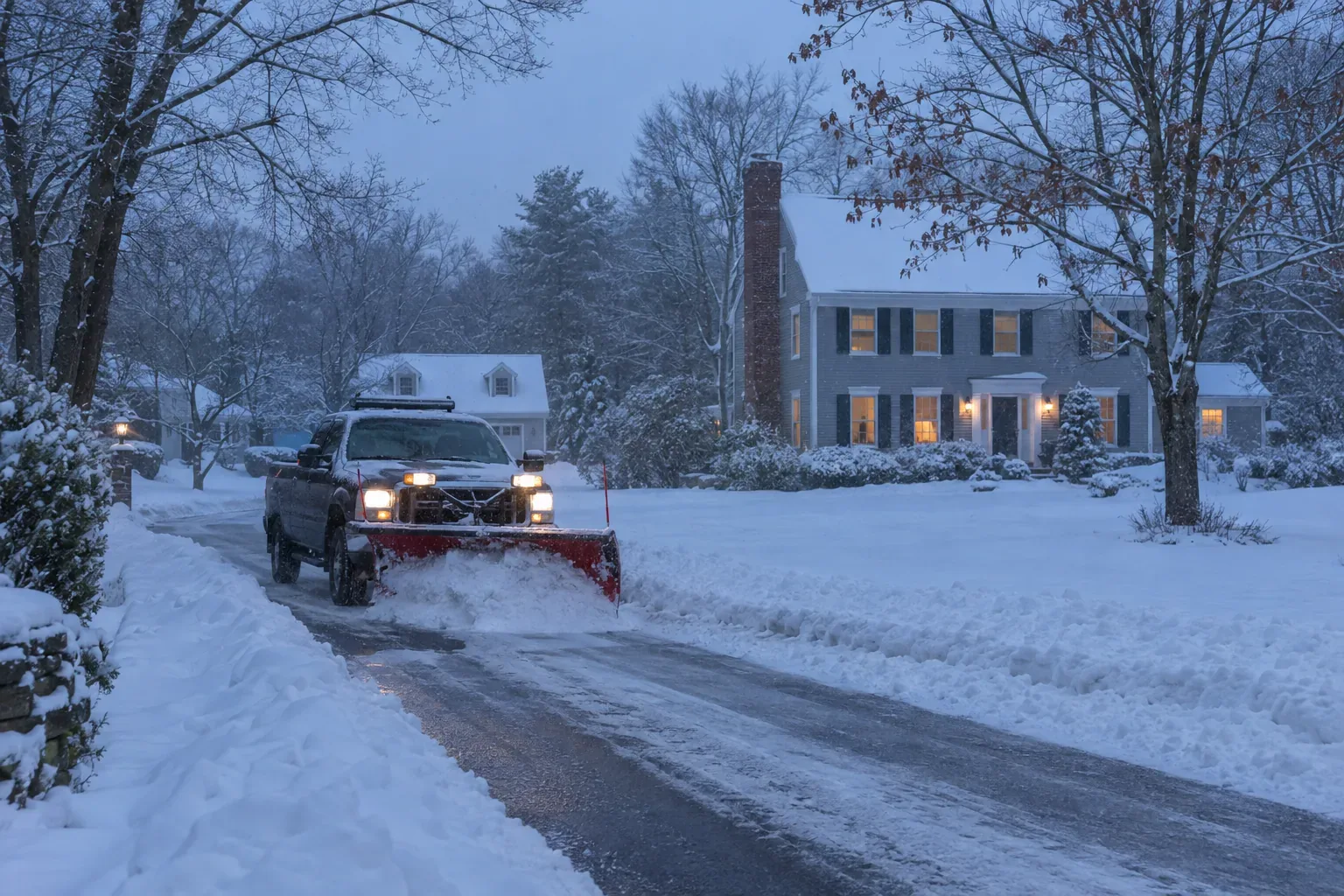
Switching From Landscaping to Snow Plowing? How to Update Your Google Business Profile for Winter
You'll learn which Google Business Profile settings to change, which to leave alone, and when to do it so people searching for snow removal can find your landscaping company.
The short answer
- Add "Snow removal service" as an additional category. Only swap your primary category if plowing is the core of your business.
- List the winter services you actually offer and rewrite your description so snow work appears first.
- Trim your service area to the towns your plow routes can cover, and swap in real winter photos and posts.
- Make the changes in the fall, before the first storm, then reverse the emphasis in early spring. If it's already late fall, make them now: there's still time before most snow searches start. If it's already late fall, make them now: there's still time before most snow searches start.
Add snow removal as a category without giving up landscaping
Categories are one of the strongest signals telling Google which searches your profile should show up for. If your profile only lists Landscaper or Lawn care service, Google has little reason to show you when someone searches "snow plowing near me" in December.
In your profile, open Edit profile, then Business information, then Business category. Search for "Snow removal service" and add it as an additional category. You get one primary category and several additional ones, so you can keep landscaping and add snow removal at the same time.
Should you change your primary category?
The primary category carries the most weight, so some seasonal companies switch it to Snow removal service for winter and back to Landscaper in spring. That can help winter visibility. It also has costs:
- Changes to core information often go into review before they appear.
- Edits to core details can sometimes trigger a request to re-verify the business.
- Your landscaping visibility may take a while to settle after you switch back.
If landscaping brings in most of your revenue and plowing is a side line, keep Landscaper as primary and add snow removal as an additional category. If winter contracts are a big part of your year, a seasonal swap may be worth testing. In that case, make the change once in the fall and once in the spring, and don't touch it in between.
Don't flip categories back and forth during the season, because frequent edits to core information can send your profile into review right when the phone should be ringing.
Rewrite your services and description for winter
After you add the Snow removal service category, Google often suggests related services. Add only the ones you actually do. Common examples:
- Residential driveway plowing
- Commercial parking lot plowing
- Sidewalk and walkway shoveling
- Salting and sanding
- Snow hauling or relocation
- Roof snow removal (only if you really do it)
You can also add custom services with short descriptions. Use them to explain how you work, for example: "Seasonal contracts and per-storm service for driveways in the towns we serve." Plain, specific language helps both Google and the homeowner reading it.
Update the business description
The description field allows up to 750 characters, and people often see only the first lines before clicking for more. For winter, lead with snow work and mention landscaping second, for example: "Family-run landscaping and snow removal company serving [your towns]. In winter we plow residential driveways and small commercial lots and offer salting and walkway clearing. Spring through fall we handle lawn care, cleanups and landscape installs."
Keep it factual. Google's guidelines don't allow links in the description and discourage heavy promotional language, so leave out "best prices" and similar claims.
Leave your business name alone
Don't add "& Snow Plowing" to your business name on Google unless that is your actual name on your trucks, signs and paperwork. Stuffing service keywords into the name breaks Google's guidelines and is a common reason profiles get suspended.
If "Snow Removal" isn't part of your real business name, keep it out of your Google Business Profile name and use categories and services instead.
Match your service area and hours to how plowing actually works
Plow routes are usually tighter than mowing routes. After a storm you have to reach every contract driveway within a few hours, so a town you'd happily drive to for a patio install may be too far for plowing. Review your service area (towns or ZIP codes) and trim it to the places your crews can realistically cover in a storm. Listing towns you can't reach leads to frustrated callers and, eventually, bad reviews.
Hours that tell the truth
Don't set your profile to "Open 24 hours" unless someone really answers the phone around the clock. Keep your regular office hours accurate, use special hours for holiday closures, and use your description and posts to explain storm-day handling. For example: "Contract customers are cleared first during storms; new requests are handled in the order received."
Get ready for storm-day calls
Calls bunch up on storm days, and a homeowner who reaches voicemail usually just calls the next plow company on the map. Before the season starts:
- Call the number on your profile from a cell phone to confirm it rings where you expect.
- Record a winter voicemail greeting that explains how storm requests are handled.
- Set up call forwarding, an extra person on the phones, or an AI receptionist for overflow calls.
Make a test call to your profile's phone number before the first forecast storm.
Swap in winter photos and keep posting through the season
People size up your business from your photos. A profile full of mulch beds and striped lawns in January can look like a company that has shut down for the season. Add real photos of your winter work:
- Trucks with plows mounted
- Cleared driveways, walkways and lots after a storm
- Salt spreaders or sanders in use
- Crews working in winter gear, shot from a distance
Use your own photos, not stock images. You can pick a winter shot as your cover photo, though Google sometimes chooses which image to display, so upload several good ones.
Posts that fit the season
Posts let you share timely updates right on your profile. A simple winter rhythm:
- Fall: an Update post saying you're booking seasonal snow contracts, with a Call or Learn more button.
- Before big storms: a short post about how you're handling routes and new requests.
- After storms: a photo of cleared driveways or lots with a note about remaining availability.
- Late winter: a post that starts promoting spring cleanup booking.
Short, regular posts work better than one long post you never update.
A plowed lot photographed the morning after a real storm tells searchers far more than any stock image.
Send searchers to the right page and collect winter reviews
Your profile has one main website link, and in winter it should lead somewhere that talks about snow removal. The simplest approach is to keep the link pointing to your homepage and add a clear winter section or banner there for the season. If you have a dedicated snow removal page, link to it from the buttons on your posts. Adding UTM tracking tags to the profile link lets you see in your analytics how many visits came from Google Business Profile.
Ask plow customers for reviews
Reviews that describe real winter work help new customers trust you. After the first few storms, ask satisfied contract customers to leave a review and mention what you did for them in their own words. Don't offer discounts or freebies in exchange for reviews. Google's policies prohibit incentivized reviews.
Reply to every review, good or bad. Plows sometimes tear up lawn edges, and those complaints often arrive in spring. A landscaper is well placed to answer calmly and offer to repair the turf, and a reply like that shows future customers how you treat people.
Treat a plow-damage complaint as a spring lead: answer politely, offer the repair, and let other readers see you followed through.
A simple fall and spring changeover checklist
Doing the work early gives Google time to process your edits before people start searching. Here's a timeline that suits most Massachusetts landscapers. If you're reading this after the fall window, do the fall steps this week:
- Late September to October: Add the snow removal category, enter your winter services, rewrite the description, review your service area and upload winter photos.
- November: Publish a post about booking seasonal contracts, test your phone setup and update your website's winter section.
- During the season: Post around storms, ask contract customers for reviews and reply to every review.
- Late March to April: Move landscaping back to the front. Rewrite the description, change the cover photo, widen your service area if it makes sense and start posting about spring cleanups.
You usually don't need to remove the snow removal category in spring. If you really offer the service every winter, keeping it year-round means fewer edits and less churn on your profile.
If you'd rather not handle the changeover yourself, AQ Marketing offers Google Business Profile and Map Pack services and has built websites for landscaping companies. You can get in touch to talk through your winter setup.
Put two reminders on your calendar now, one for early fall and one for early spring, so the switch doesn't get lost in the seasonal rush.
Common questions
Will adding snow removal to my profile hurt my landscaping rankings?
Adding Snow removal service as an additional category generally doesn't take anything away from landscaping, because your primary category still says landscaping. Swapping the primary category is the bigger change and can shift where you show up for landscaping searches until things settle. That's why most landscapers keep Landscaper as primary and add snow removal as an extra category.
Can I create a separate Google Business Profile just for my plowing business?
Only if it really is a separate business, with its own name, phone number and operations that meet Google's guidelines. Creating a second listing for the same company to grab more search results counts as a duplicate and can get one or both profiles suspended. For most landscapers who plow in winter, one well-maintained profile is the safer choice.
Why aren't my profile changes showing up yet?
Google reviews many edits before publishing them, especially changes to categories, name, hours and service area. Making several edits at once, or changing the same field repeatedly, can slow things down. Make your winter changes in early fall so they're live before people start searching.
Should I remove my landscaping services during the winter?
No. Keep them listed, and just move snow work to the top of your description and posts. Plenty of homeowners plan spring projects in late winter, and removing landscaping details means more edits to undo in a few months.
Do I need a snow removal page on my website too?
It helps. When someone clicks through from your profile looking for plowing and lands on a homepage full of patios, they may leave. A clear winter section on your homepage or a dedicated snow removal page that lists your towns and services makes it easy for them to call or ask for a quote.